Free Front Page Designs For Assignments And Projects [Download MS Word Templates]
📄 A good front page is very important in a project. It is the first thing that people see, so it creates a strong first impression. A neat and attractive cover page helps the reader think positively about the project. It also shows that the project has been done carefully and with proper attention. A well-designed front page makes the work look more professional and serious📘.
📝 The cover page should clearly show the title of the project, the name(s) of the student(s) 🧑🎓👩🎓, the date 📅, and any other important details that the reader should know ℹ️.
🎨 A well-designed cover page should match the topic and style of the project 💡. It helps the reader feel more connected and interested in the content of the project 📚.
✅ In short, the cover page is a very important part of a project. It can greatly affect how the reader sees and understands the project.
Front Page Design Template Samples

✅ Benefits of Using a Good Front Page Design in Your Project
📌 1. Builds a visual identity
A good front page with a consistent design helps your project look unique and recognizable. It also makes it easier to identify later.
📌 2. Makes your project stand out
A creative and attractive cover page can make your project look different from others and grab attention.
📌 3. Creates a sense of unity
A neat cover page ties everything together. It shows that all parts of the project belong to one complete idea.
📌 4. Gives clear information
The design can include the purpose, audience, and goals of your project. This helps the reader understand it better.
📌 5. Improves organization
A proper cover page helps keep your project well-organized and easy to follow.
📌 6. Easy to access
With clear headings and design, the reader can quickly find what they are looking for in your project.
📌 7. Supports accessibility
If your project is digital, a simple and clear front page helps users with special needs, like those using screen readers.
📌 8. Leaves a good impression
A well-designed front page is not just about looks — it affects how people feel about and understand your project.
🎨 A well-made front page sets the tone for the entire project and can make it truly stand out. In this blog, we will look at some example front page designs, easy tips, and best practices to help you make a great first impression with your next project!
Front Page Designs Of Assignment
Front Page Designs For Assignments [Free MS Word Template Download]
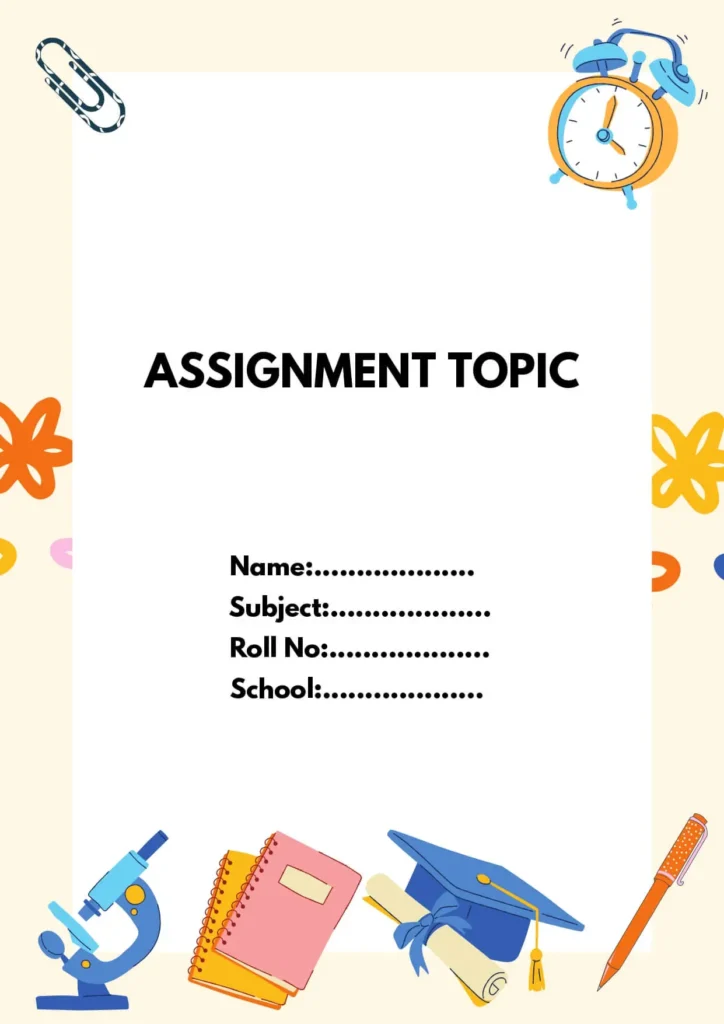
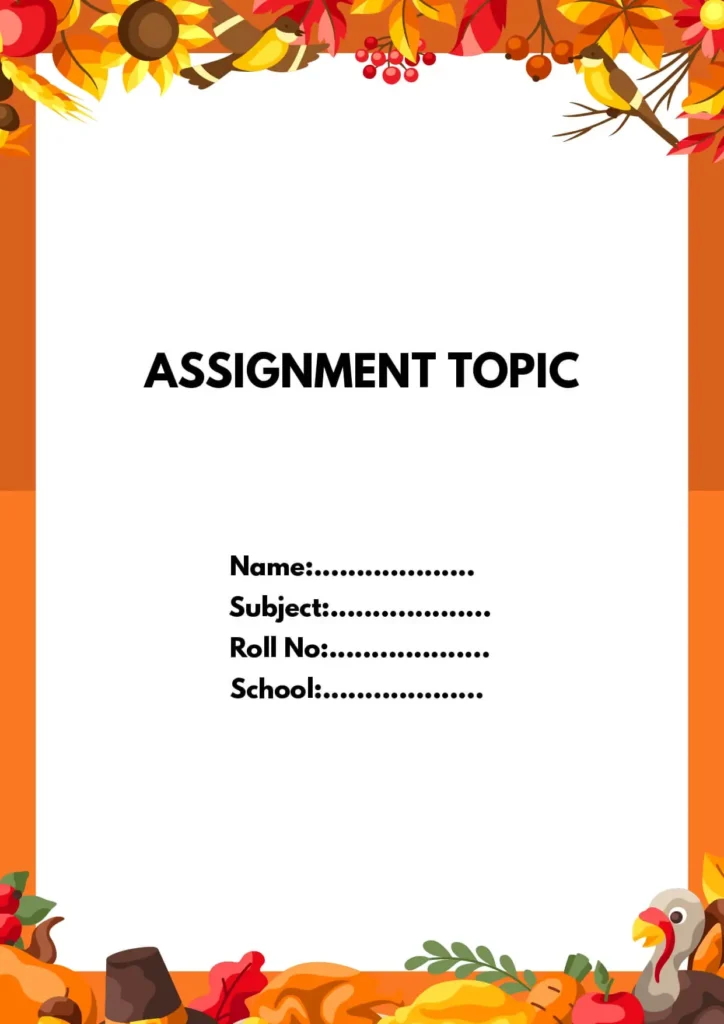
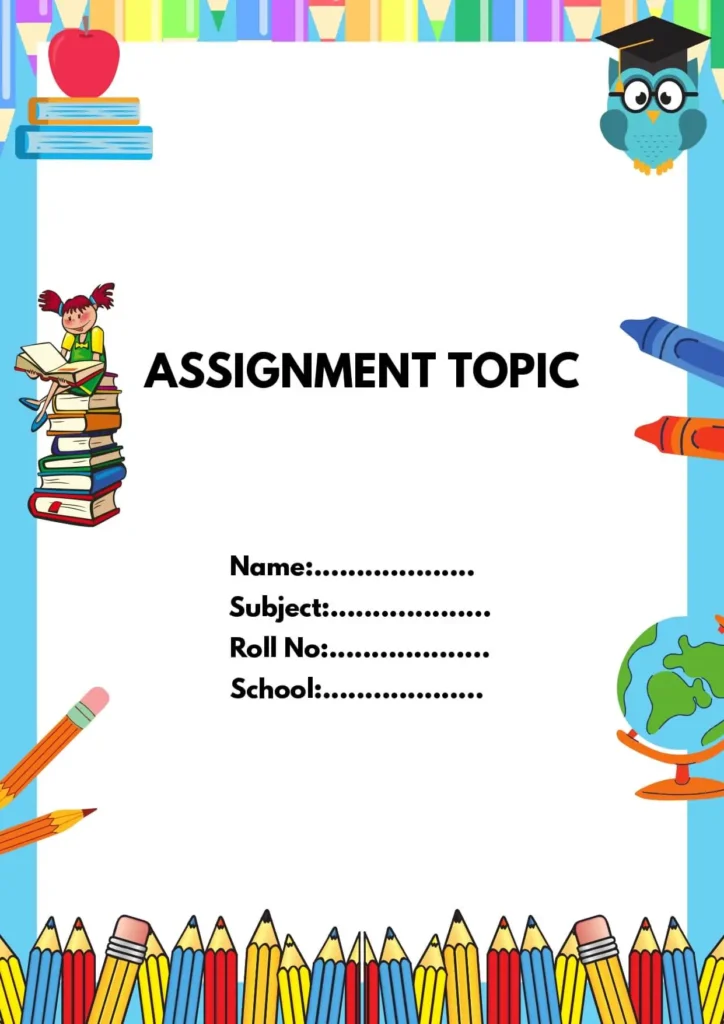
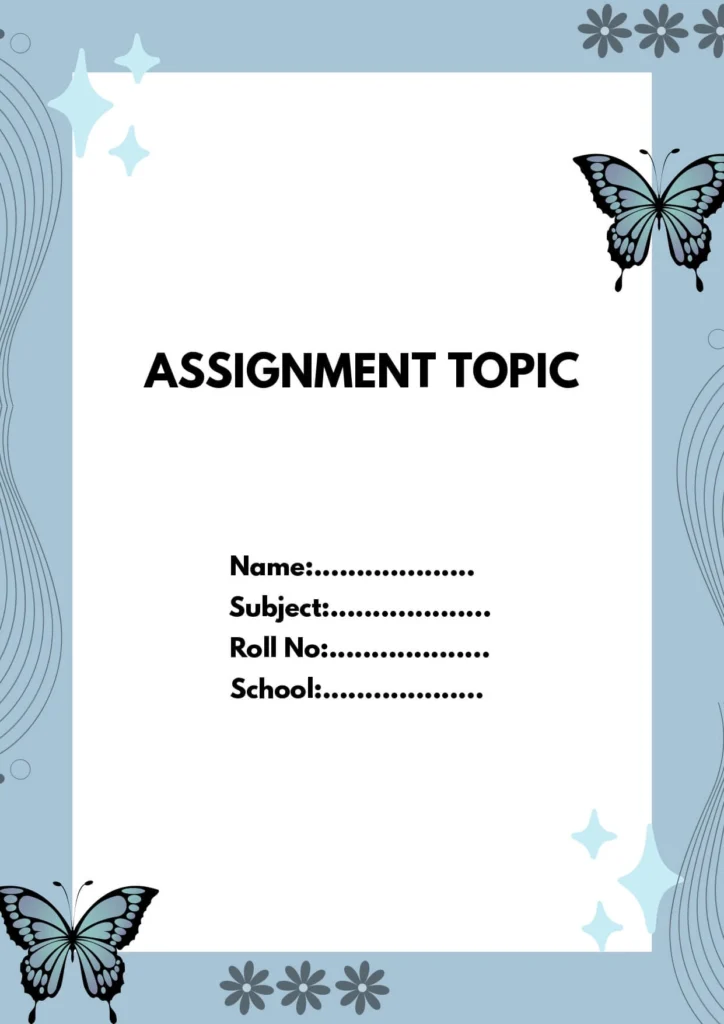
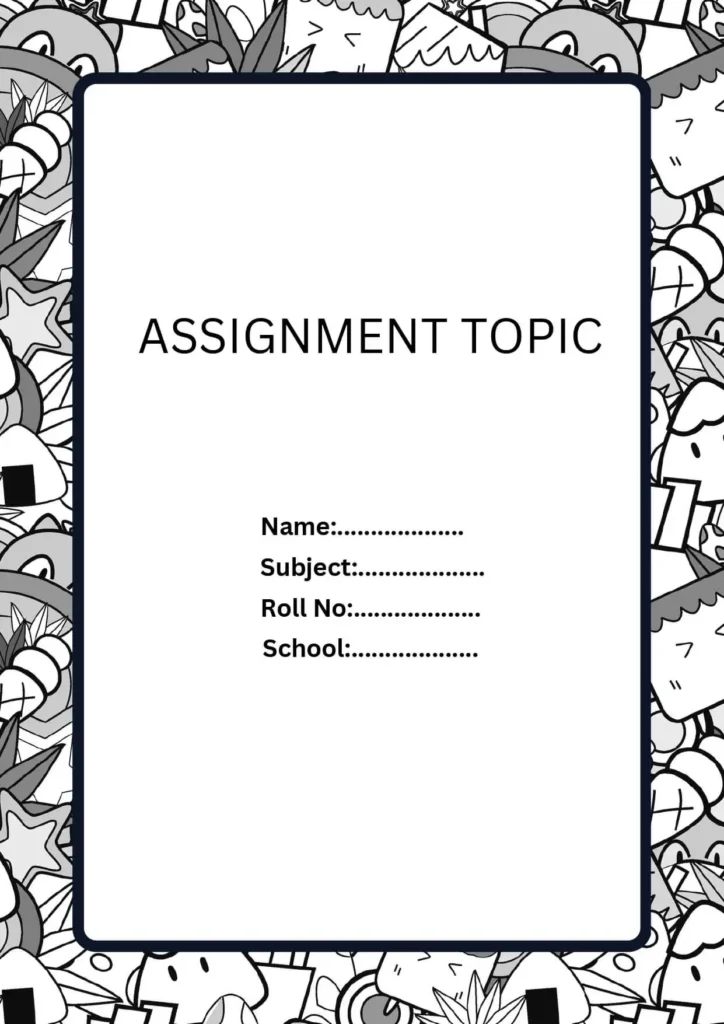
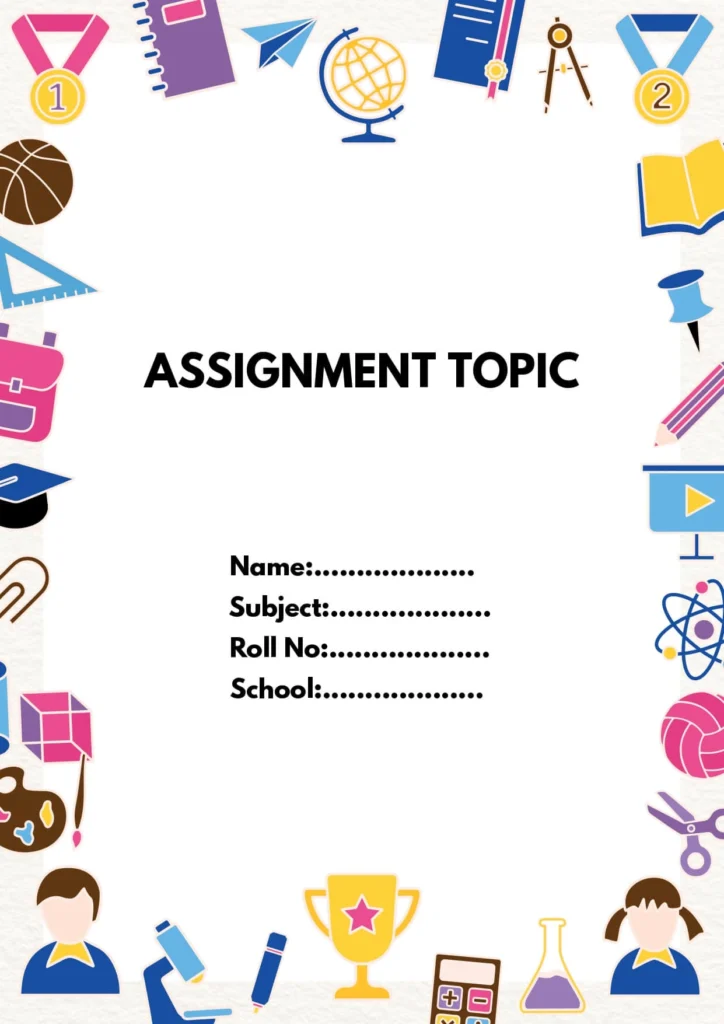
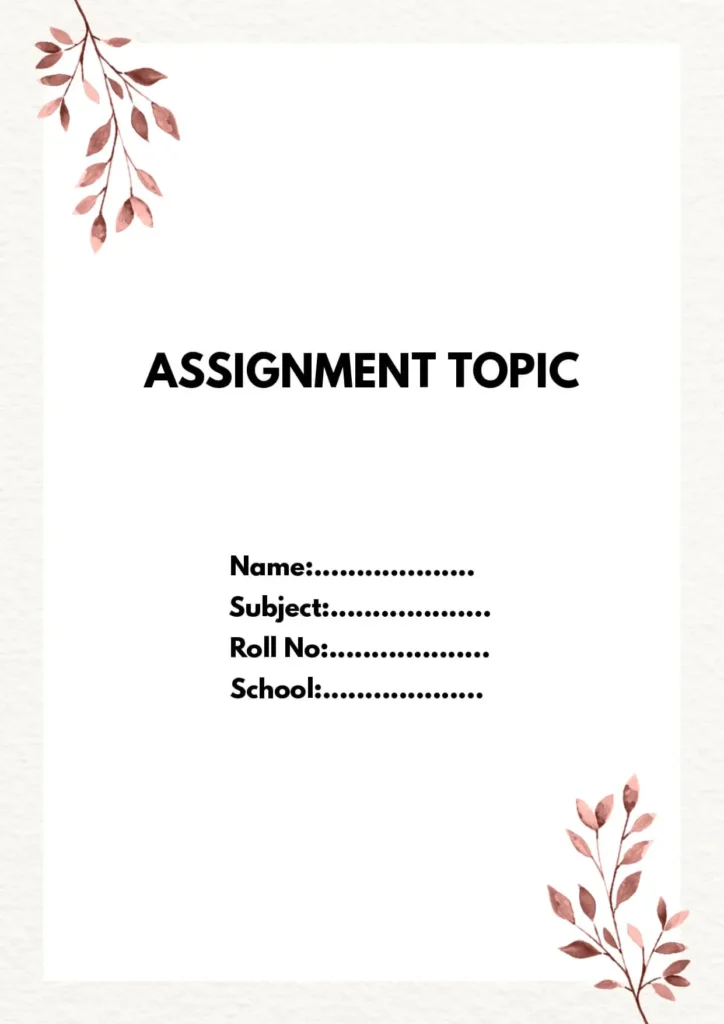
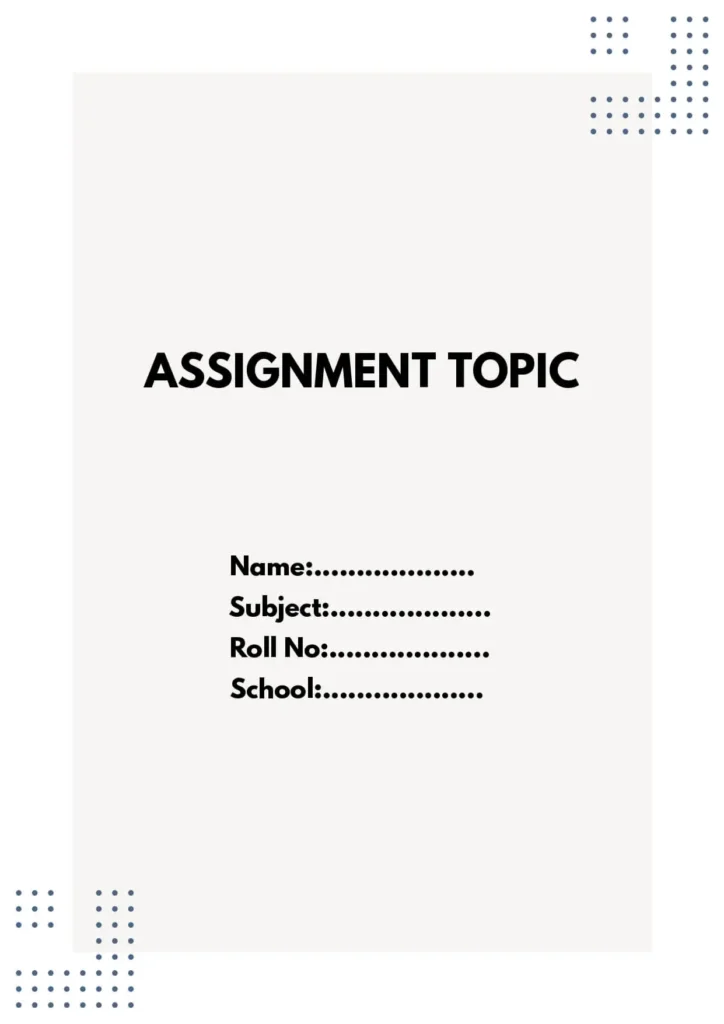
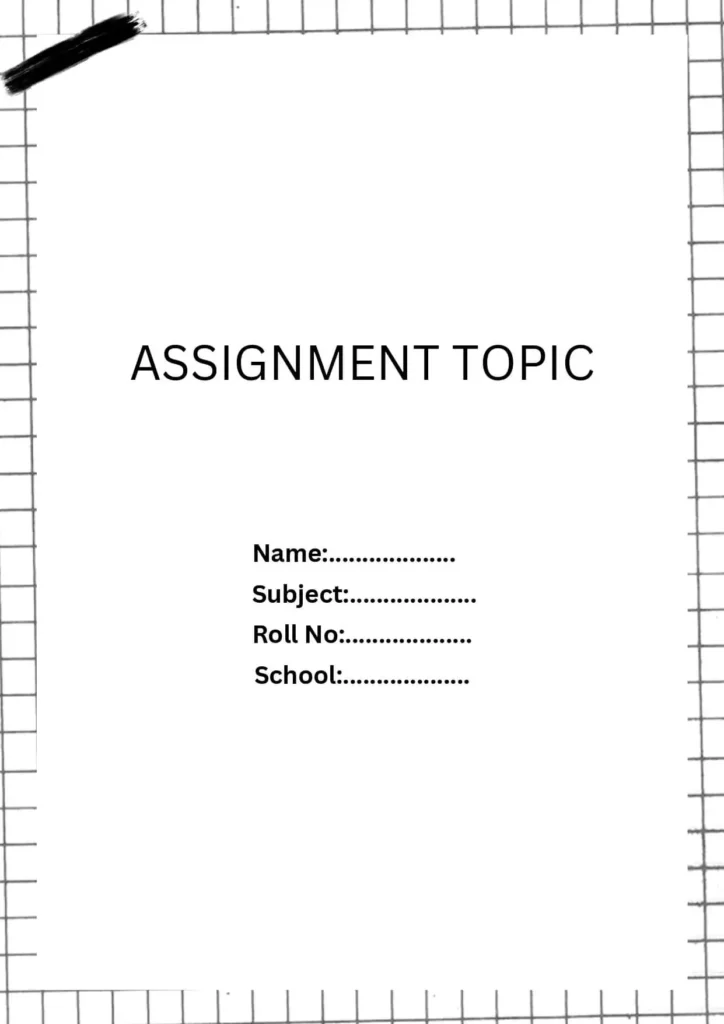
Creative Front Page Design For Assignment [Free MS Word Template Download]
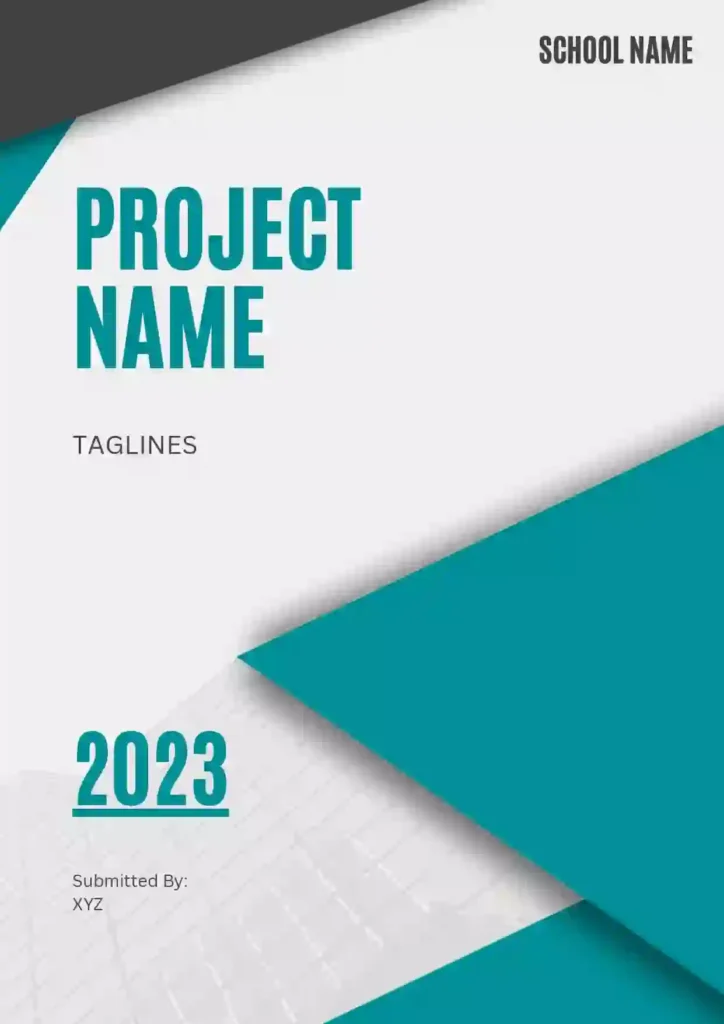
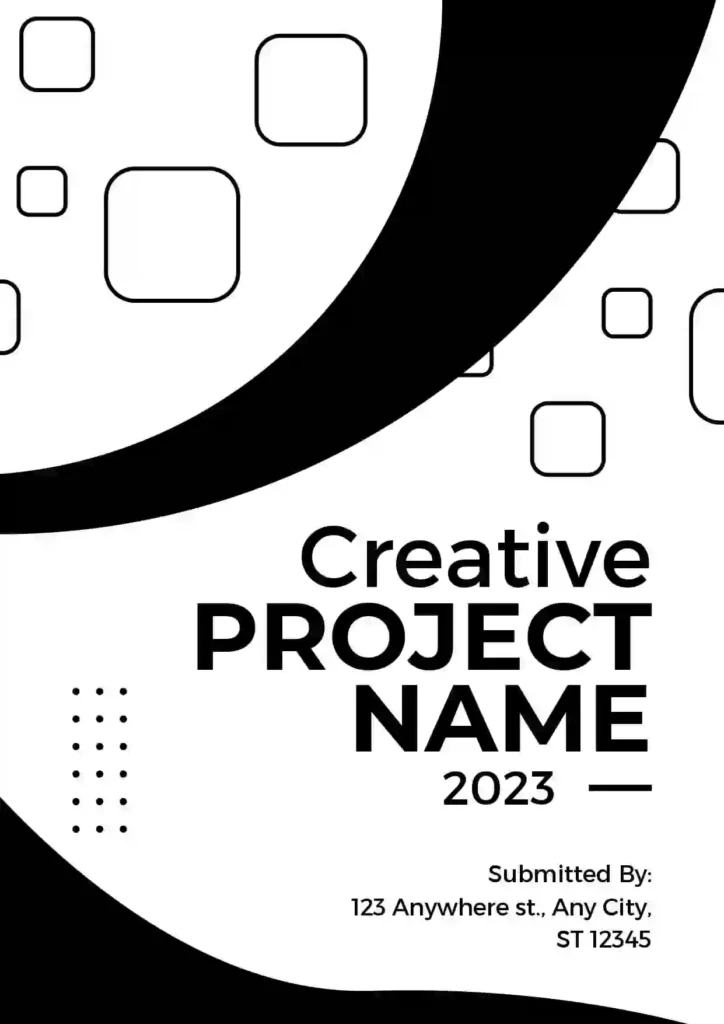
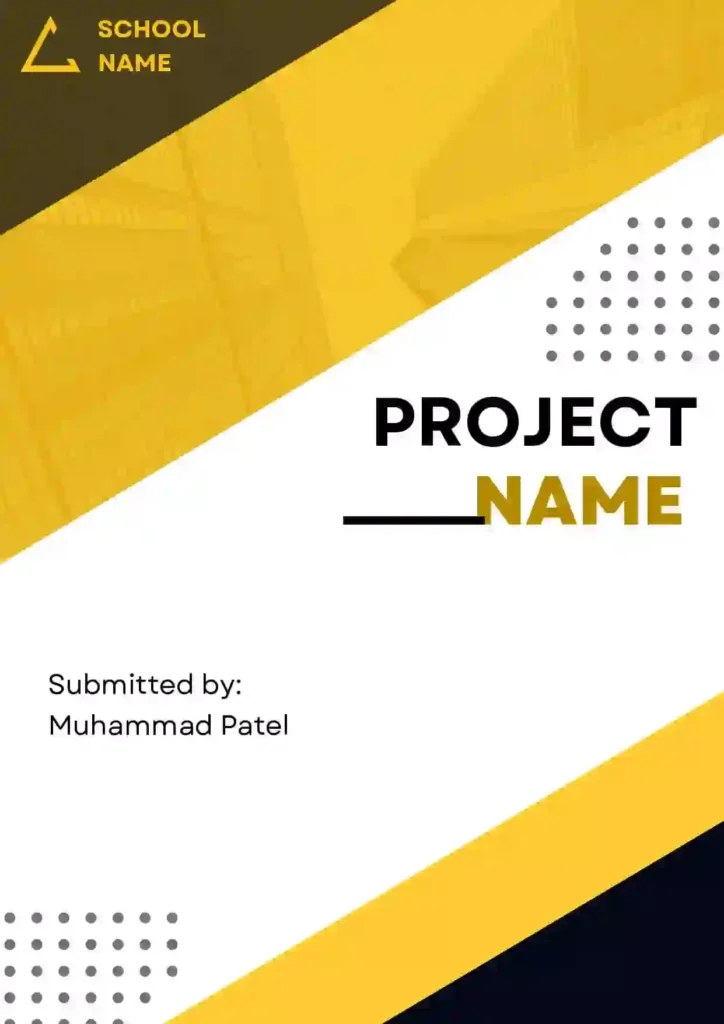

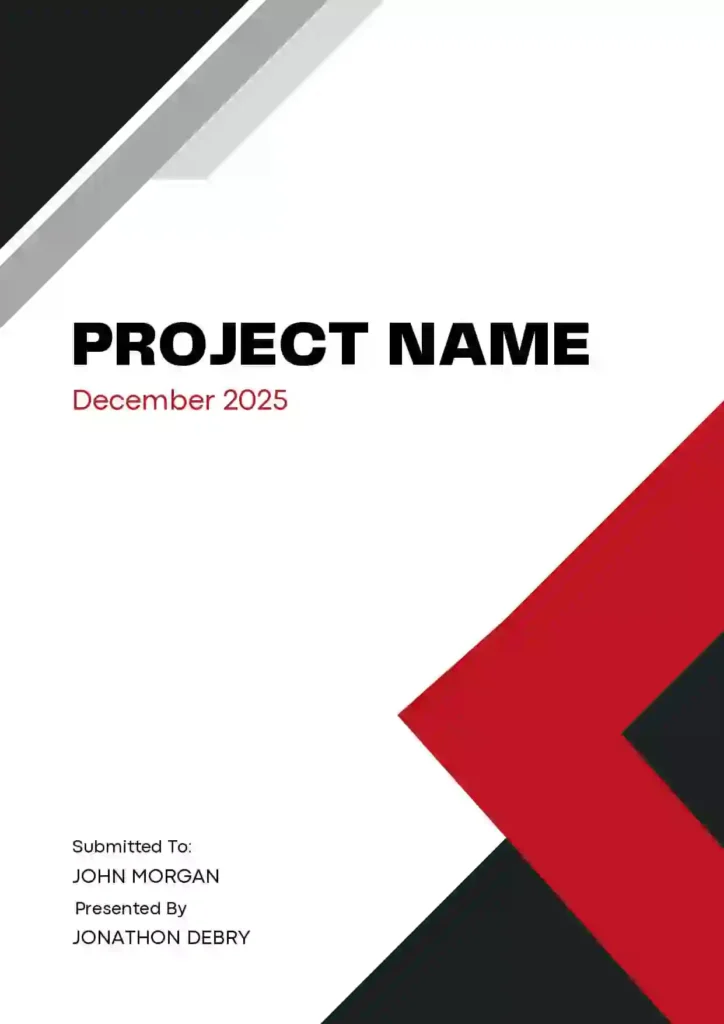
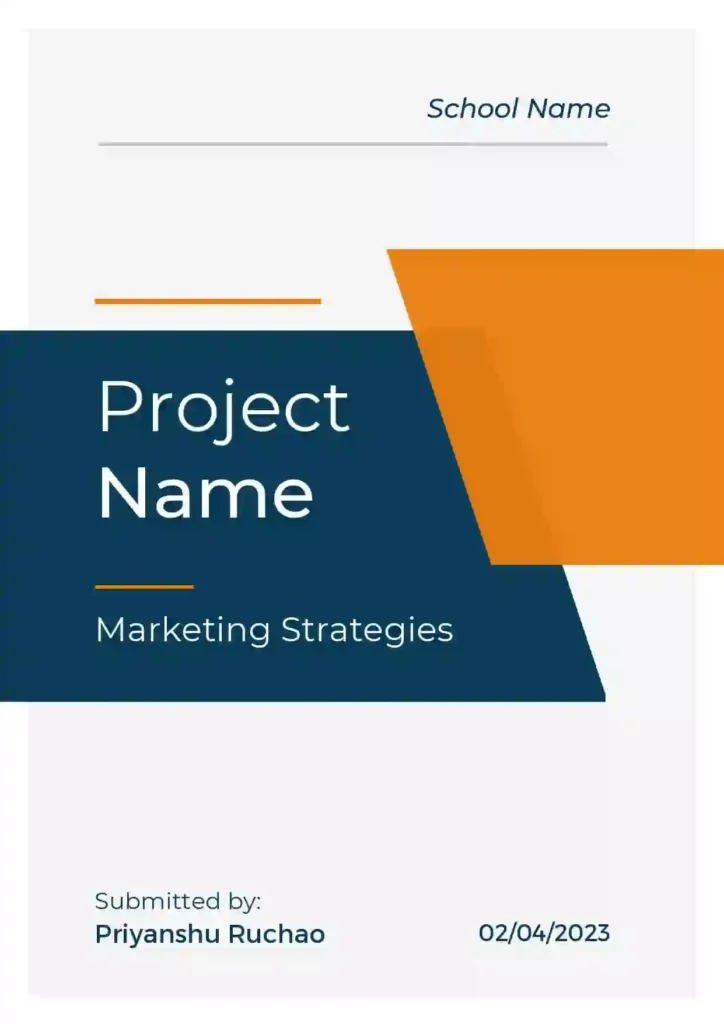

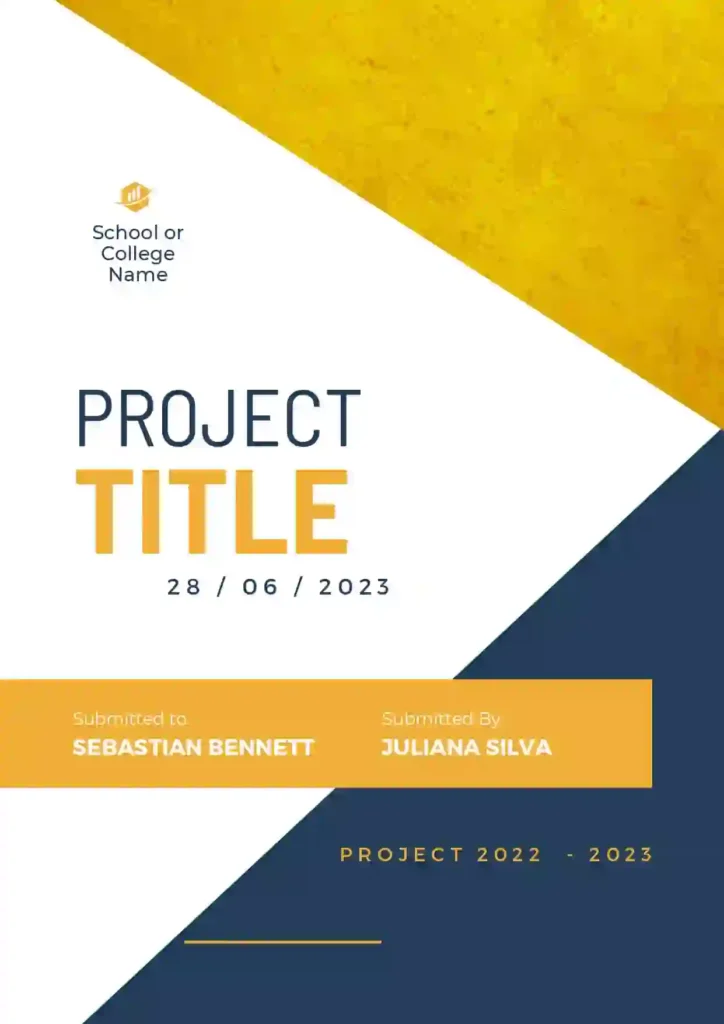
✨ Tips for a Stunning Front Page Design of an Assignment
While your front page should be clean and simple, it can still look creative and stylish. You can add a bit of your own personality while keeping it neat and professional.
Here are some easy tips to make your front page stand out:
✅ Use a unique font or color scheme
Choose fonts and colors that are easy to read but also make your page look fresh and different.
✅ Add illustrations or graphics
If your project is on science, history, environment, etc., you can include small related images or icons to match your topic.
✅ Try different layouts
You don’t have to stick to the same old format. Try changing the position of your title, name, or date to see what looks best.
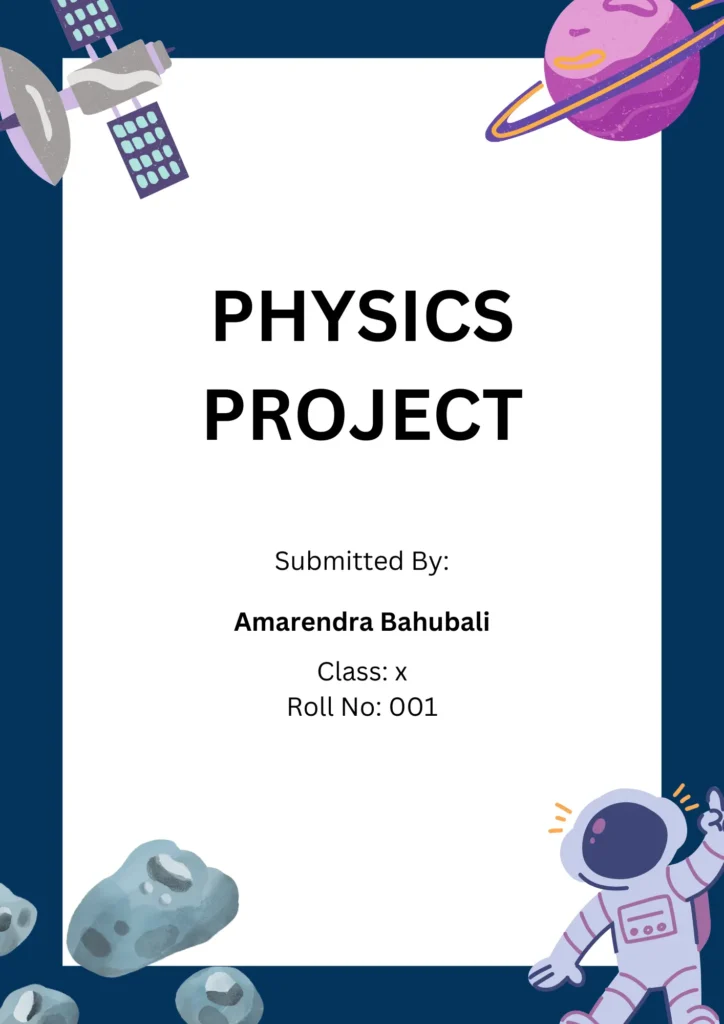
🔬 Science Project Front Page Design [Free MS Word Template Download]
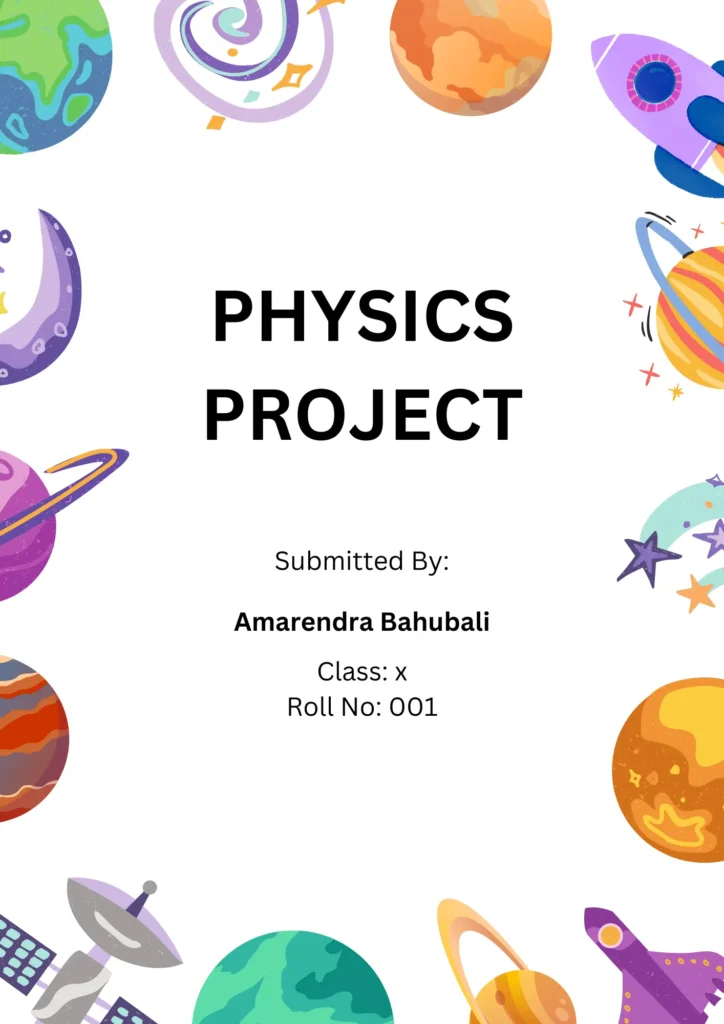
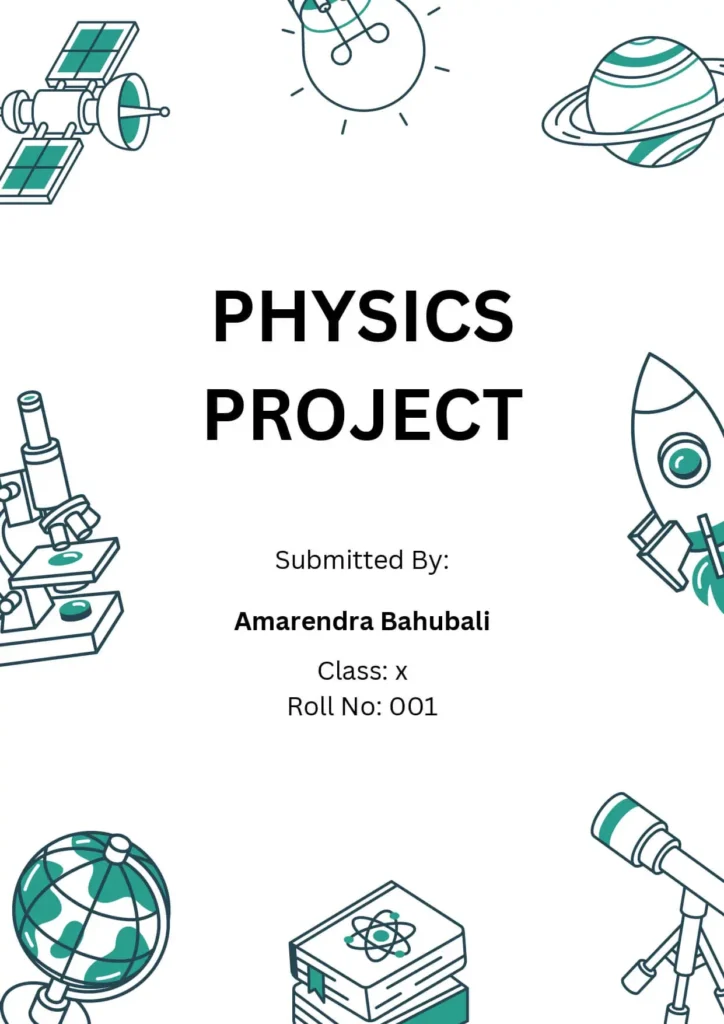
When designing the front page for a science project, it’s important to keep it clear, neat, and topic-focused. The design should reflect the subject of your project and catch the reader’s attention.
Front Page Design For Physics Project

Front Page Design For Chemistry Project
⚗️ Front Page Design Tips for Chemistry Project
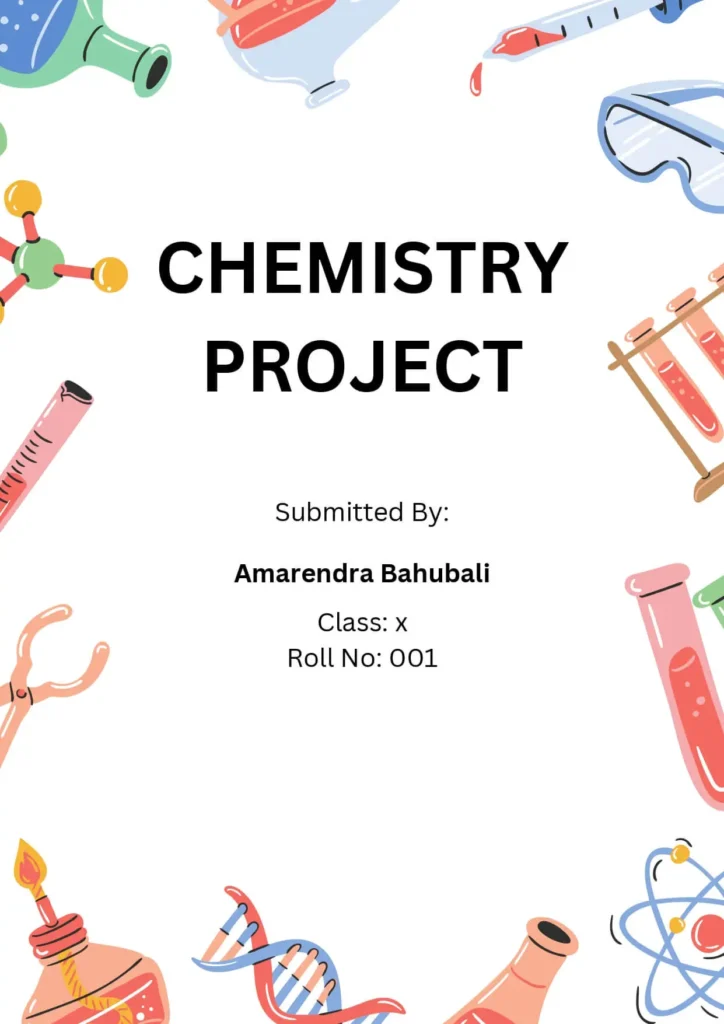
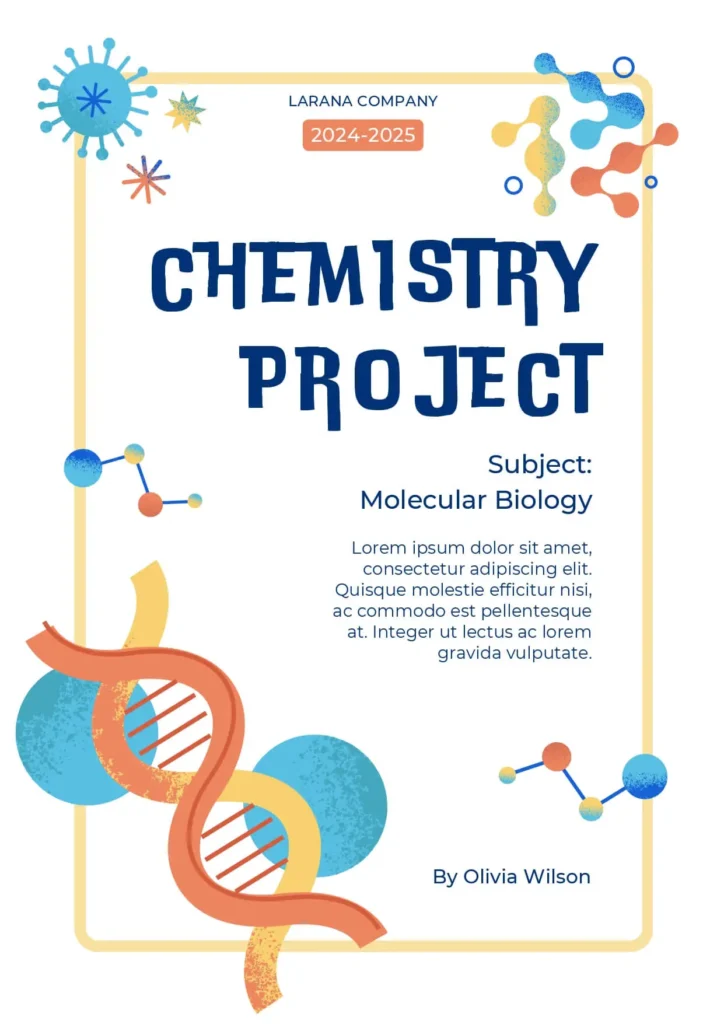
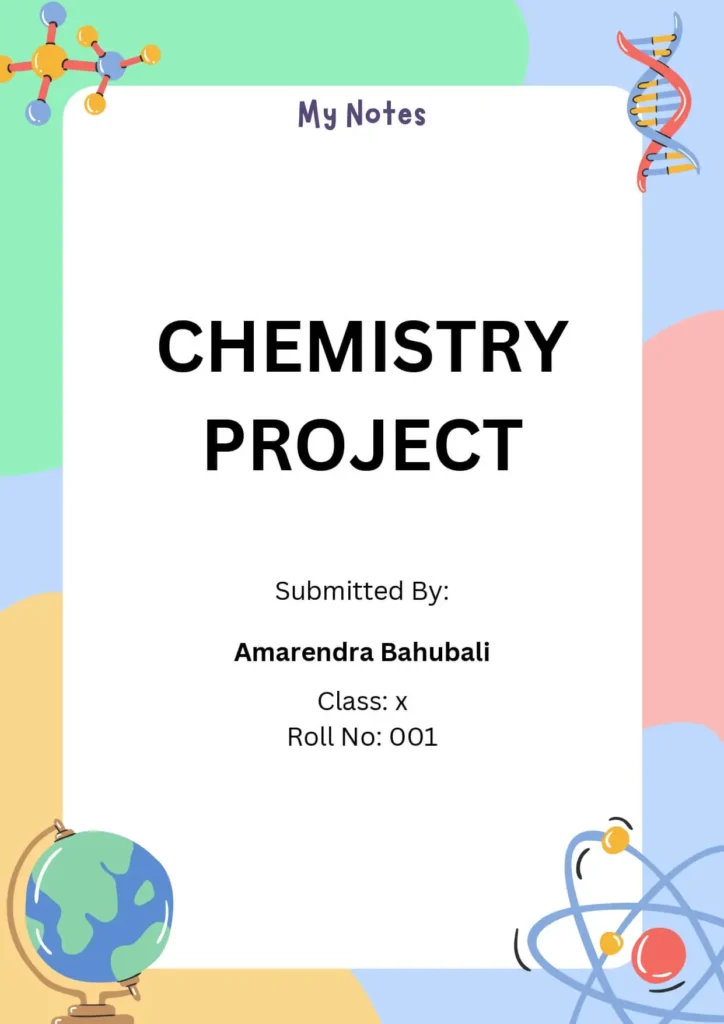
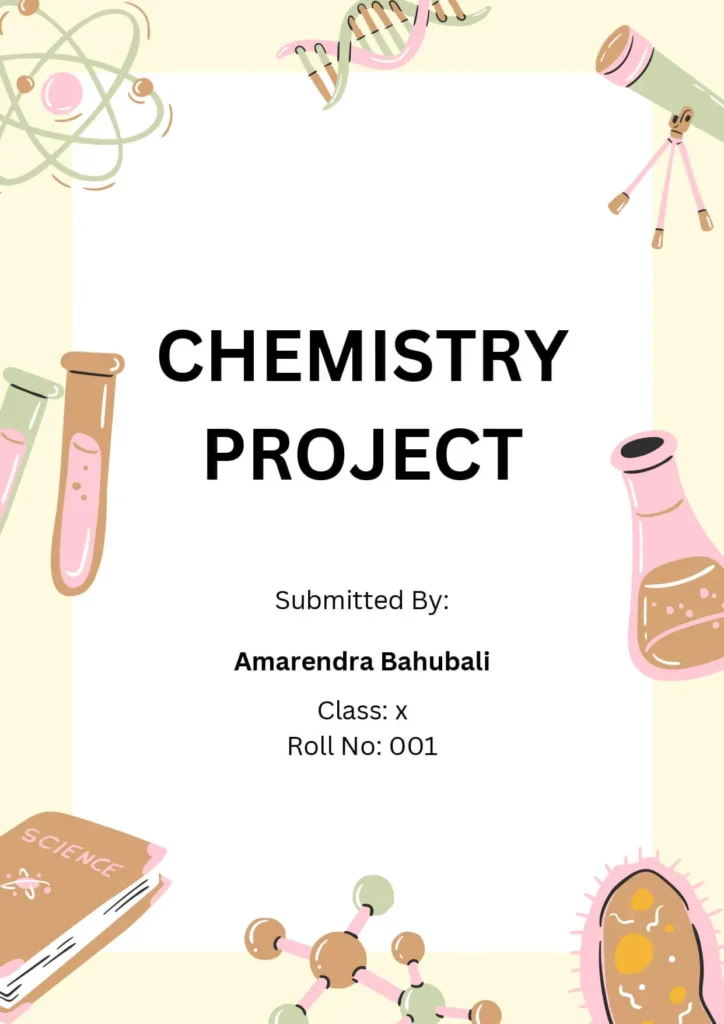
Want to create a cool and professional-looking cover page for your Chemistry project? Here’s a simple design idea you can follow:
✅ Color Theme:
Use a light blue or green background to give a science-like feel, just like a chemical in a test tube.
✅ Title Style:
Write the project title using a bold font like Arial or Verdana in white or yellow. Keep it big and at the center to grab attention.
✅ Project Description:
Below the title, add a short description like “An investigation into the properties of chemical reactions” in smaller white or yellow font.
✅ Personal Details:
Write your name, class, and date in small black font at the bottom corner of the page.
✅ School Logo:
Add your school or college logo at the top corner to make it look official.
✅ Add a Graphic:
Include a small image or illustration like a periodic table, lab equipment, or chemical reaction to match the topic.
✅ Add a Border:
A simple white border around the page gives it a clean and finished look.
🎯 This design keeps your front page neat, relevant to Chemistry, and visually appealing—perfect for scoring extra points on presentation!
Front Page Design For Biology Project
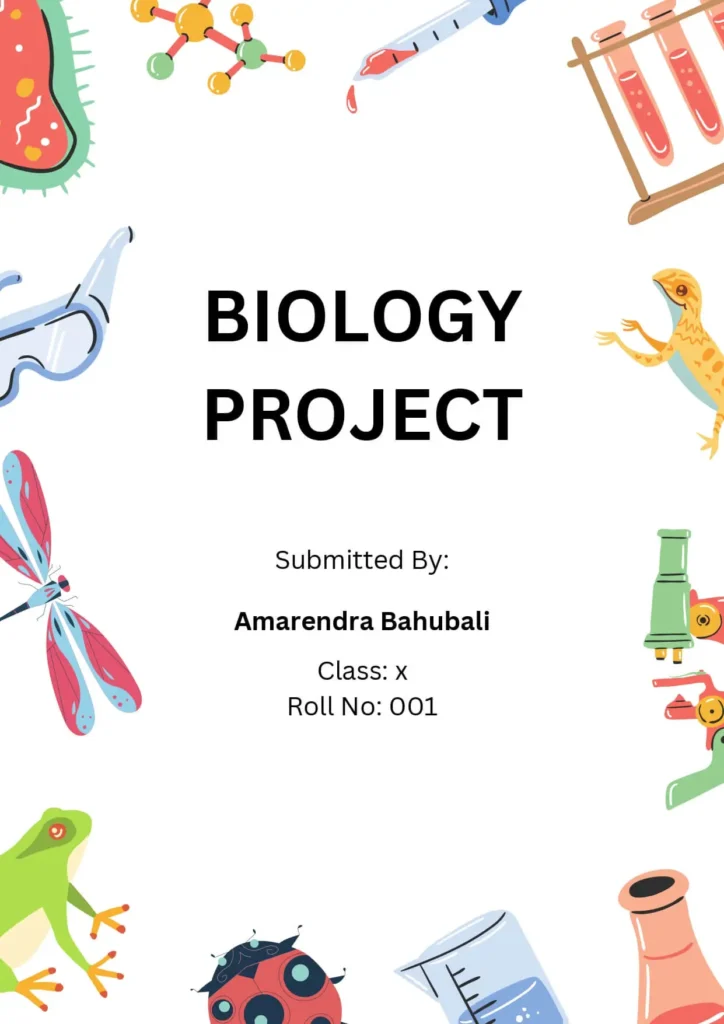
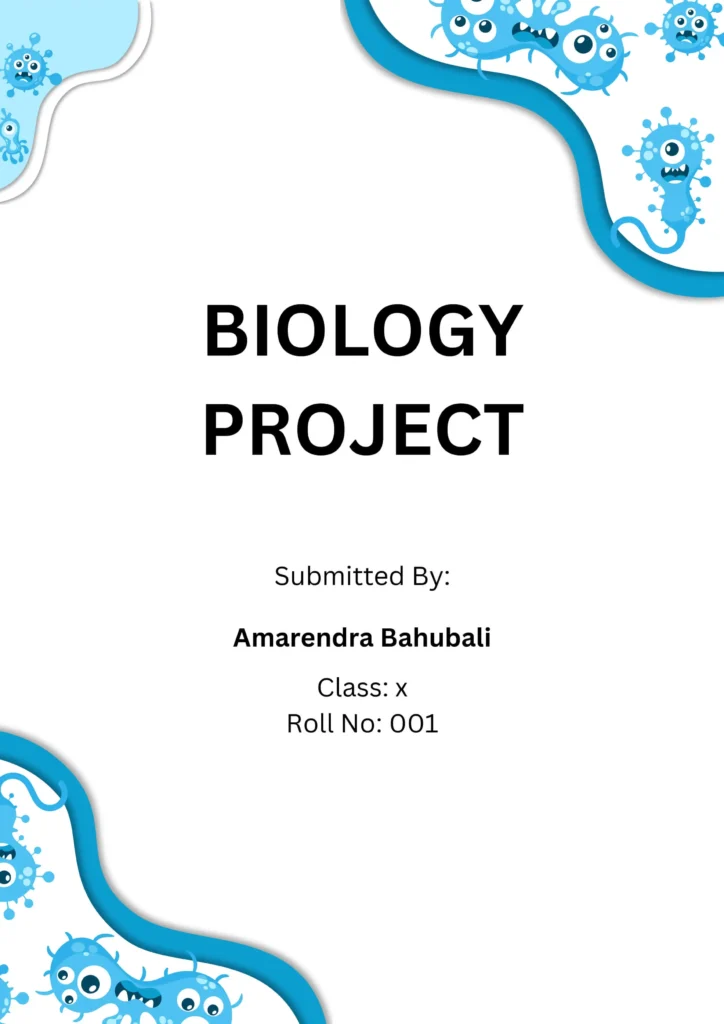
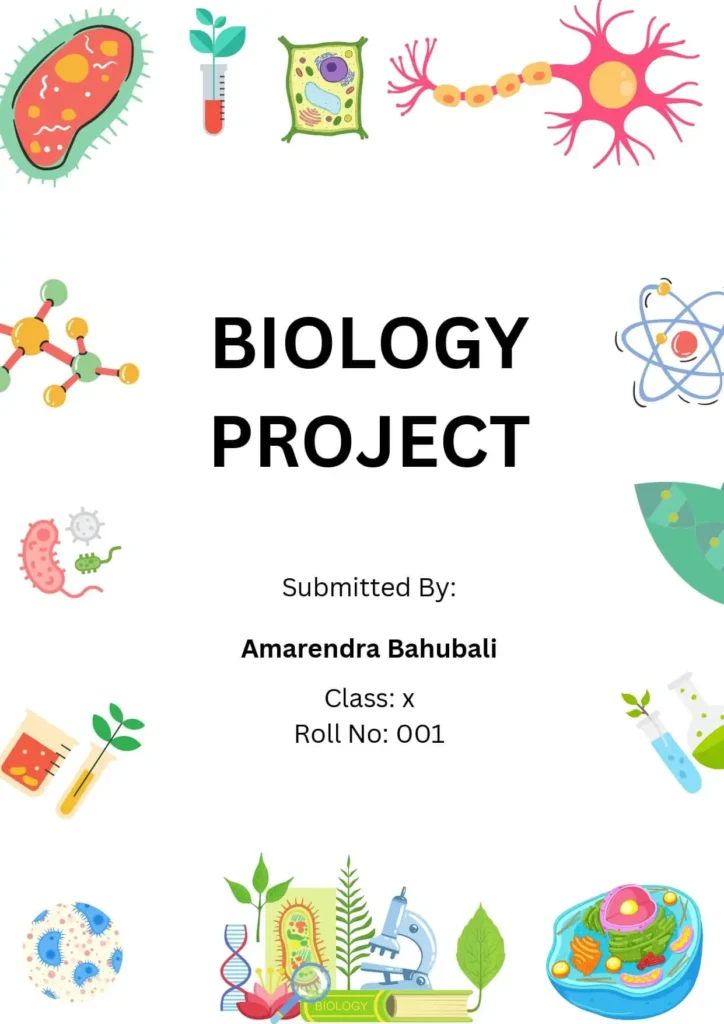
🌿 Front Page Design Tips for Biology Project
Designing a cover page for your Biology project? Here are some helpful tips to make it look clean, creative, and professional:
✅ Title:
Choose a short and clear title that tells what your project is about.
✅ Your Name(s):
Write the name(s) of the student(s) who did the project. Place it where it’s easy to see.
✅ Date:
Add the date the project was finished. You can put it in the top or bottom corner of the page.
✅ School or Institution Name:
Include the name of your school or organization, if needed.
✅ Images or Graphics:
Use pictures or diagrams that match your Biology topic — like plants, animals, cells, or the environment.
✅ Short Description:
Write 1–2 lines about what your project is about — its purpose, method, or results.
✅ Color and Look:
Pick colors that go with your topic. For example:
- Use green or blue for topics about nature, environment, or water.
- Use yellow or orange for topics like plants and botany.
💡 Tip: Always check with your teacher in case they have specific cover page rules or format.
With these tips, your Biology project front page will look neat, informative, and eye-catching!
Border Front Page Design For Project [Free MS Word Template Download]






📚 Border Front Page Design for Project [Free MS Word Template Download]
Adding a border to your front page can make your project look clean, polished, and professional. A well-chosen border helps frame your content and makes the page more attractive.
You can:
- Choose a border style that matches your project topic (for example, leafy borders for Biology 🌿, or geometric borders for Math 📐)
- Or use a simple and neat border in a neutral color like black, grey, or blue to keep it formal.
🎁 Download our free MS Word template to easily create a stylish border front page for your next school project!
Front Page Design For English Project [Free MS Word Template Download]
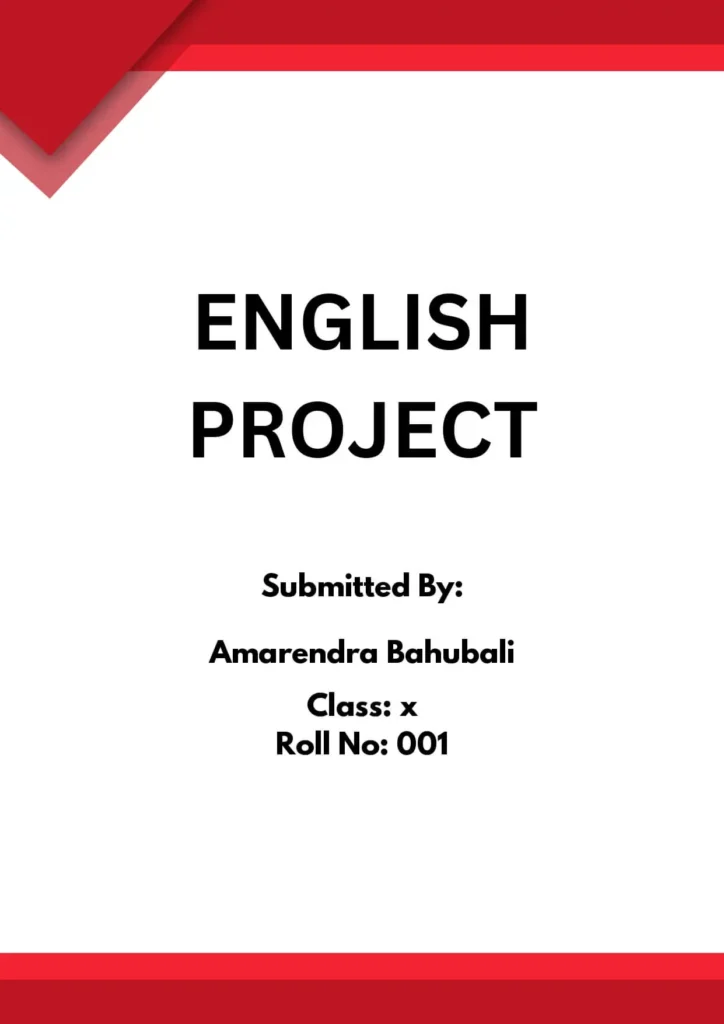
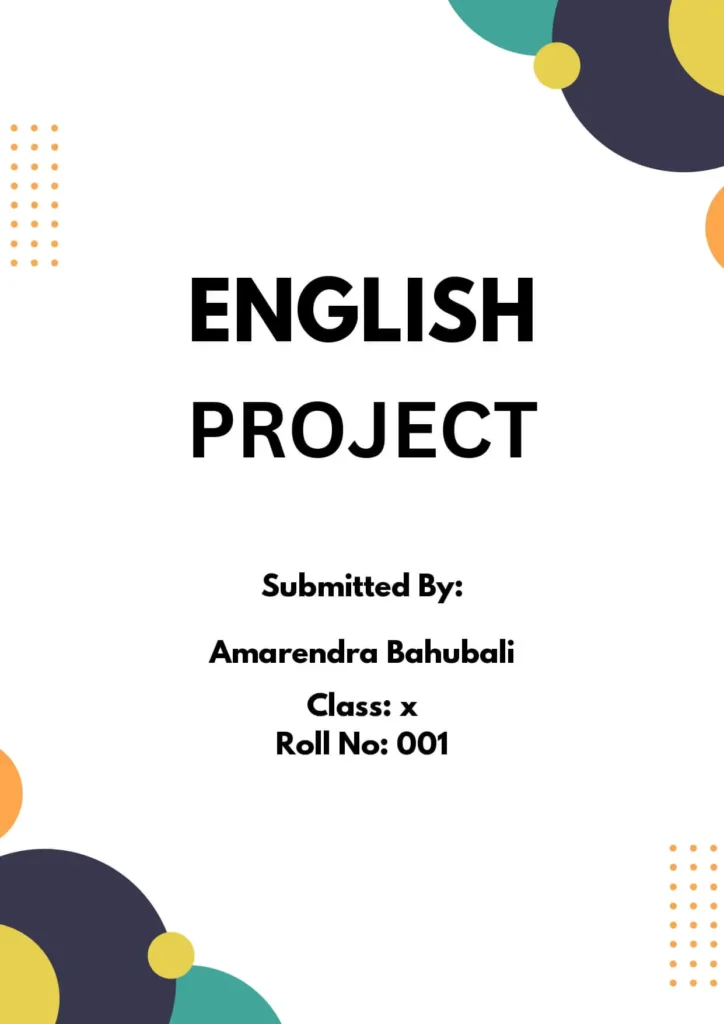
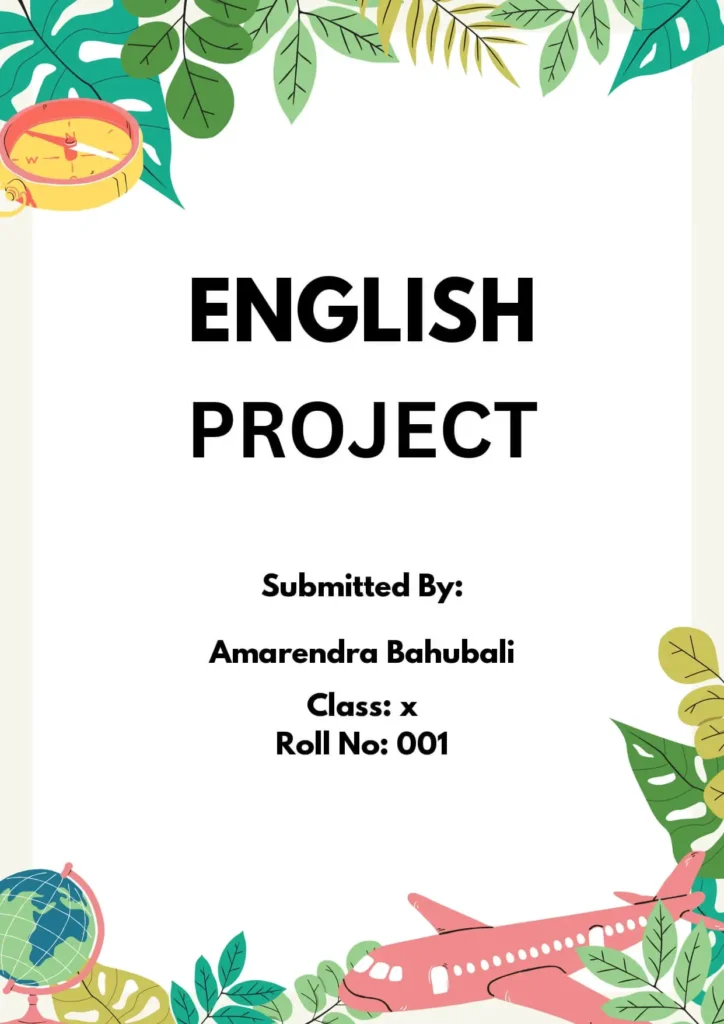
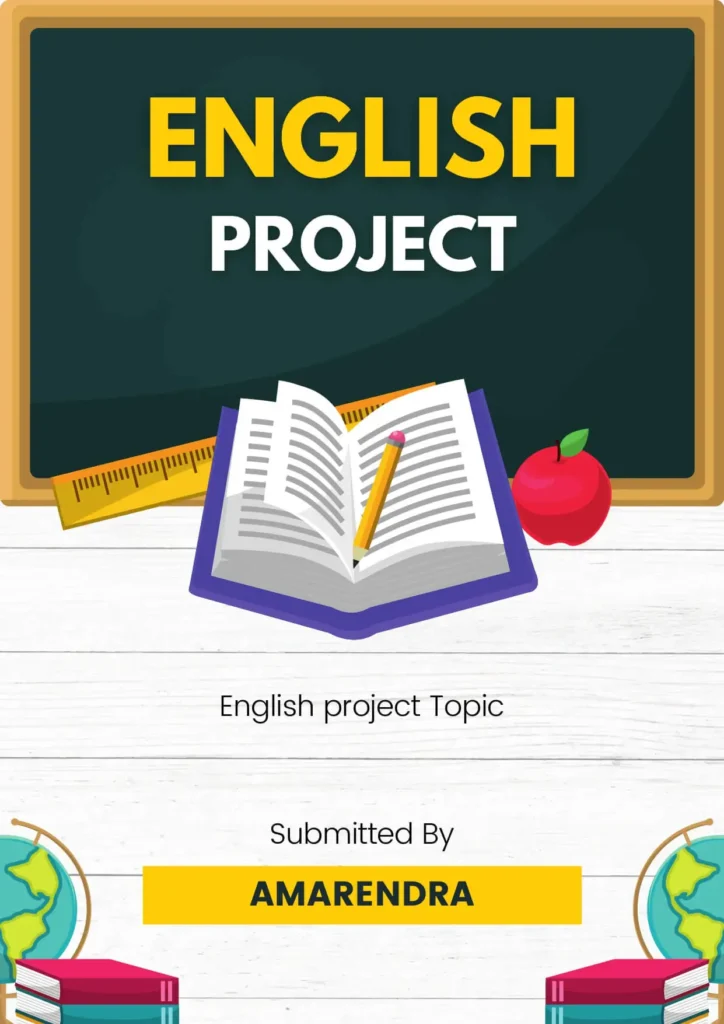
📘 Front Page Design Tips for English Project
Creating a front page for your English project? Here are some easy tips to make it look neat, creative, and professional:
✅ Choose a theme
Pick a design or background that matches your project topic (like literature, poetry, or drama).
✅ Write a clear title
Make the project title big, bold, and easy to read. It should clearly show what the project is about.
✅ Add your details
Include your name, class, section, and date in a simple and clear way.
✅ Mention your teacher and school
If needed, write the name of your teacher and school or institution.
✅ Use images or icons
You can add small graphics like books, pens, or famous author quotes to match the English theme.
✅ Select a good font
Use a readable and nice-looking font — nothing too fancy or hard to read.
✅ Add a border or design
A simple border or stylish element around the page gives it a complete and polished look.
📌 Tip: Always follow your teacher’s instructions for formatting and style.
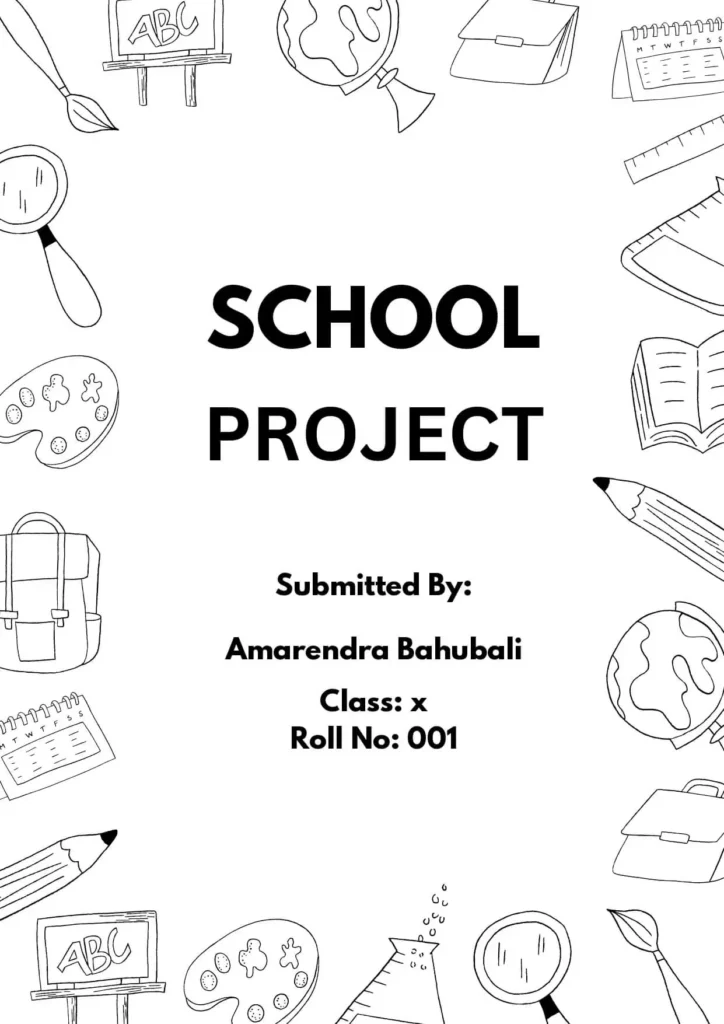
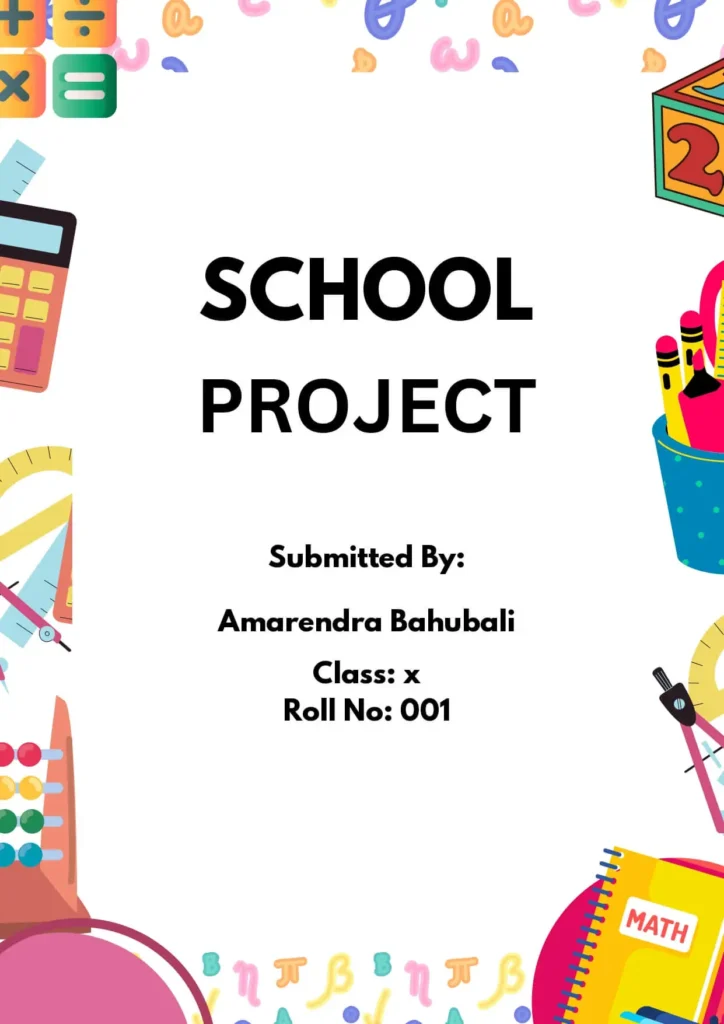
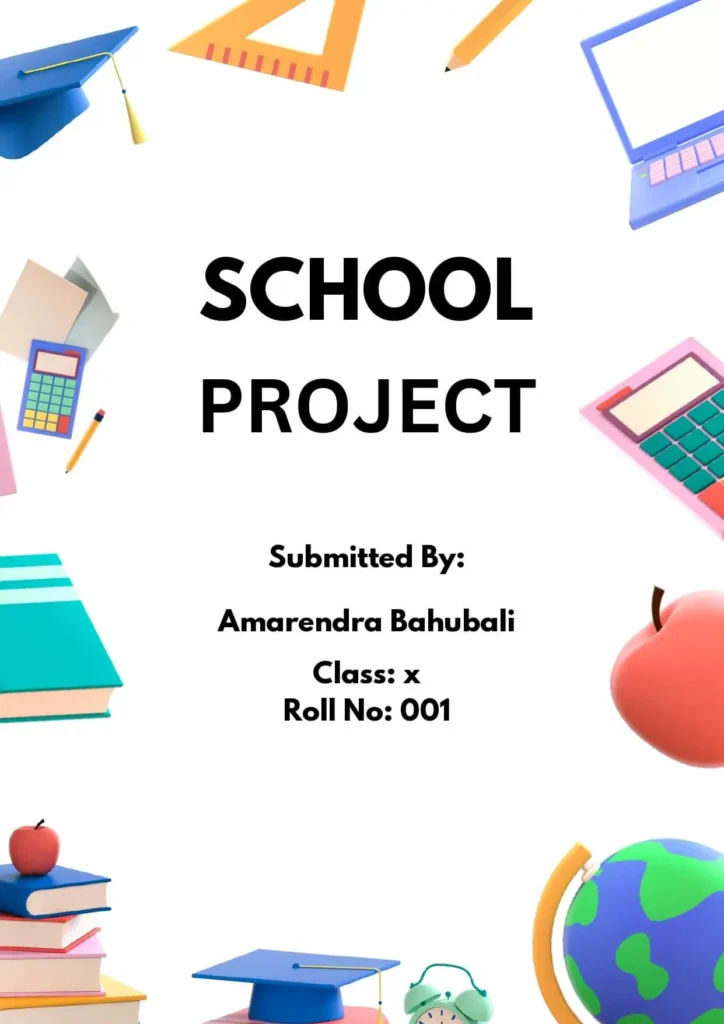
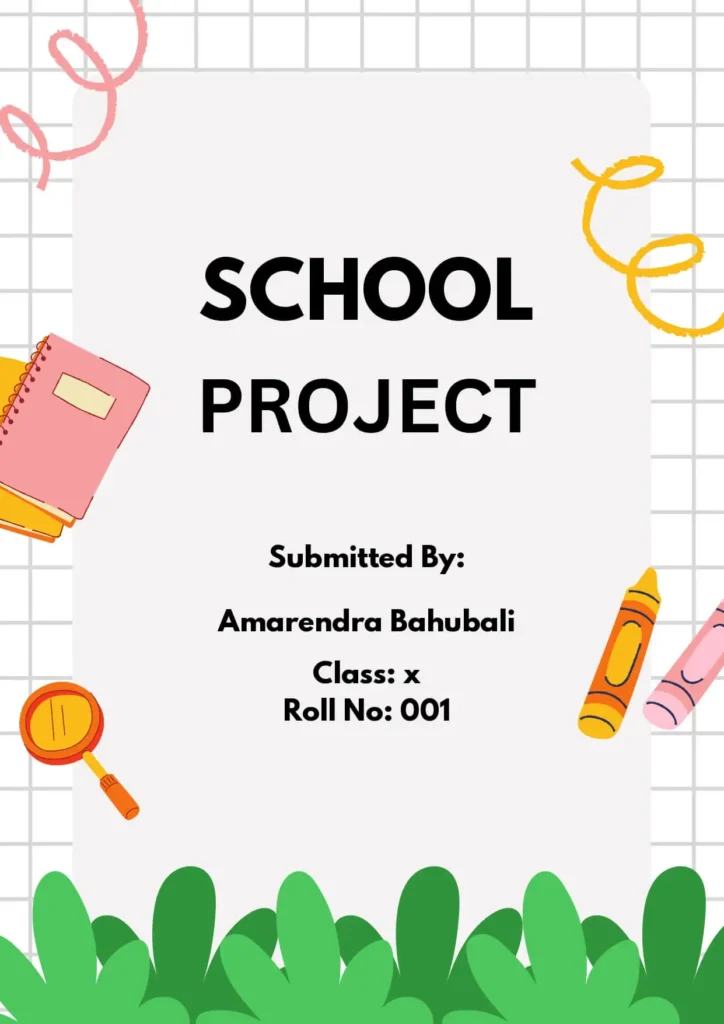
School Project Front Page Design
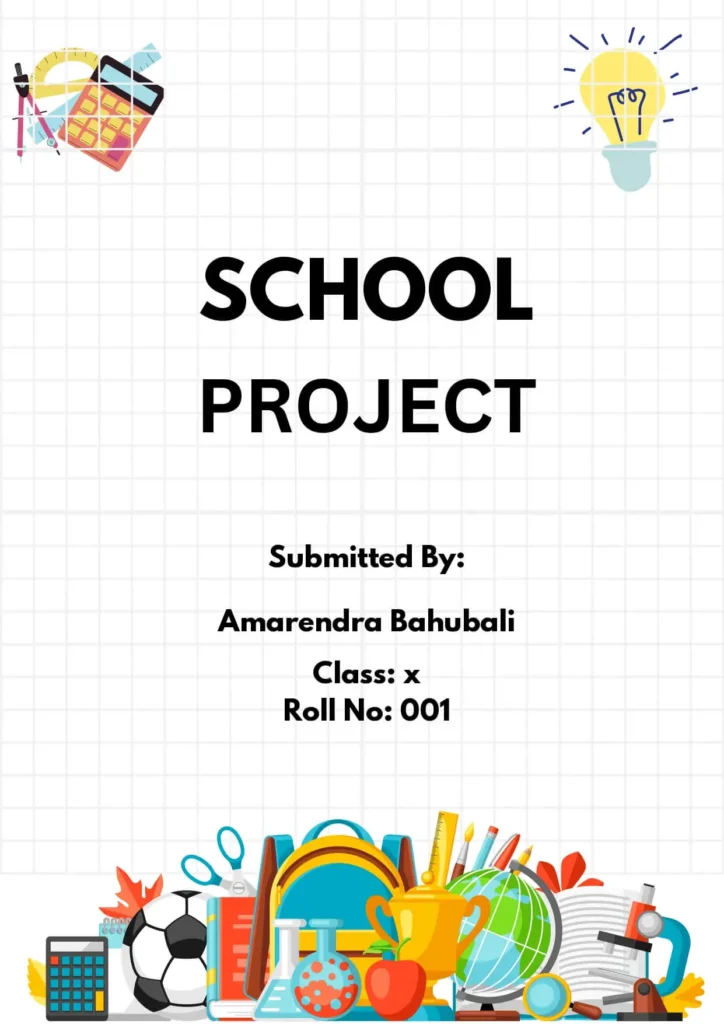
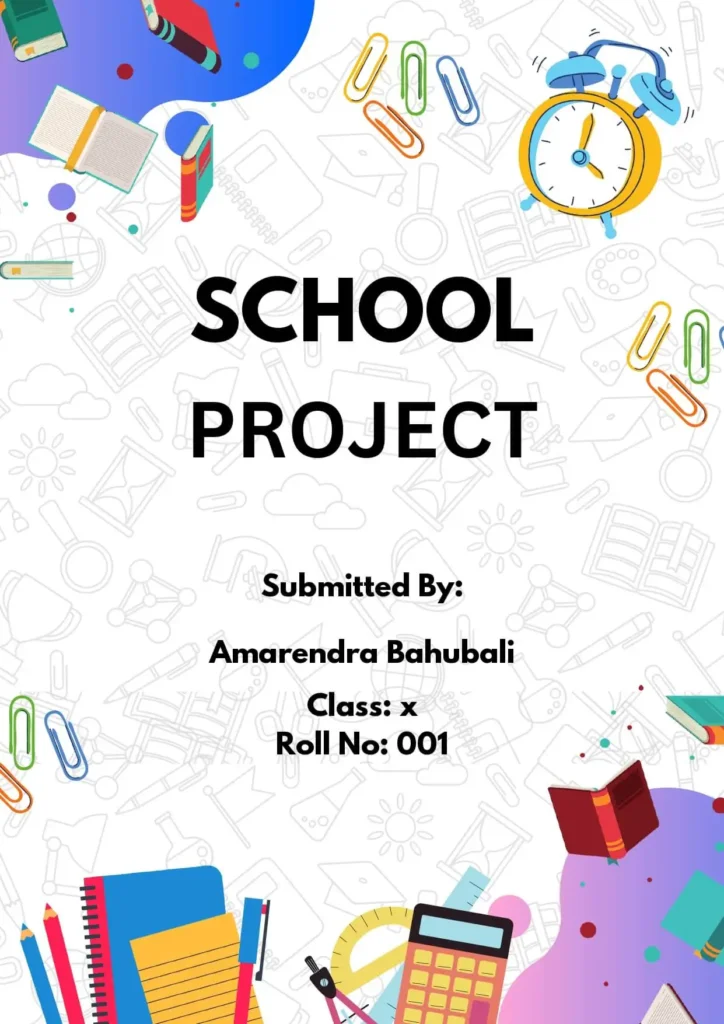
Floral Front Page Design For School Project
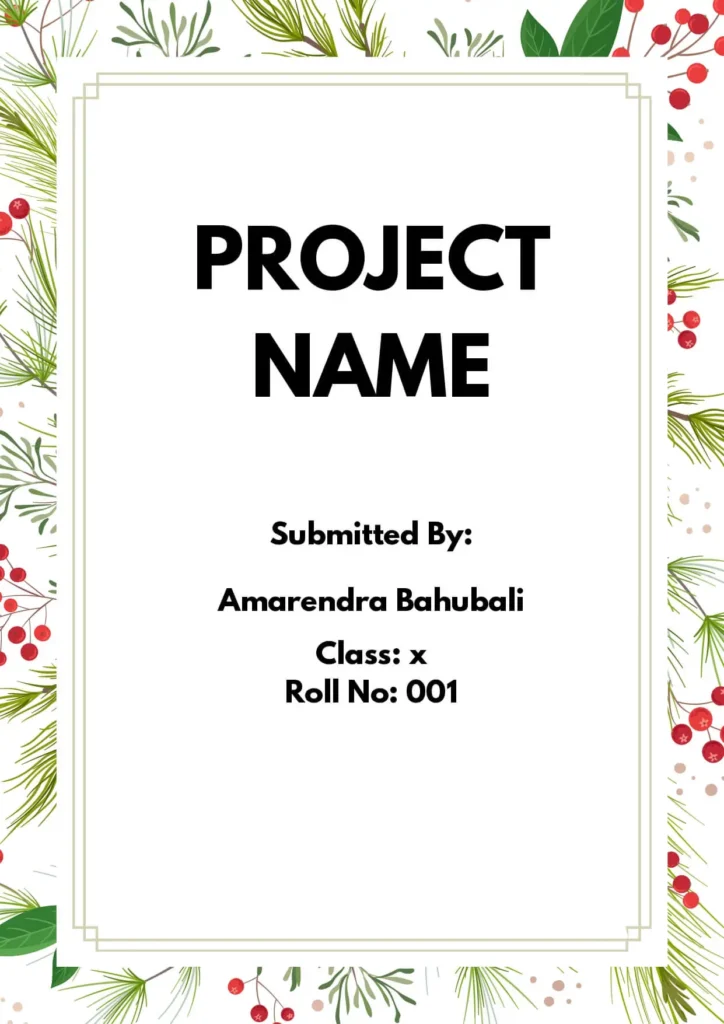
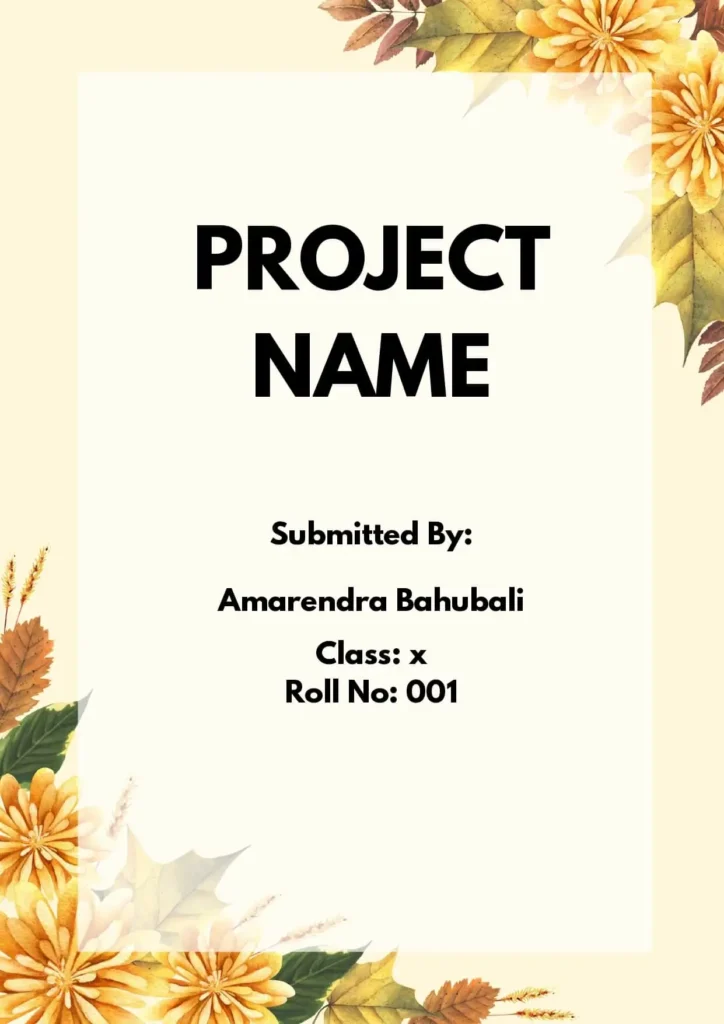
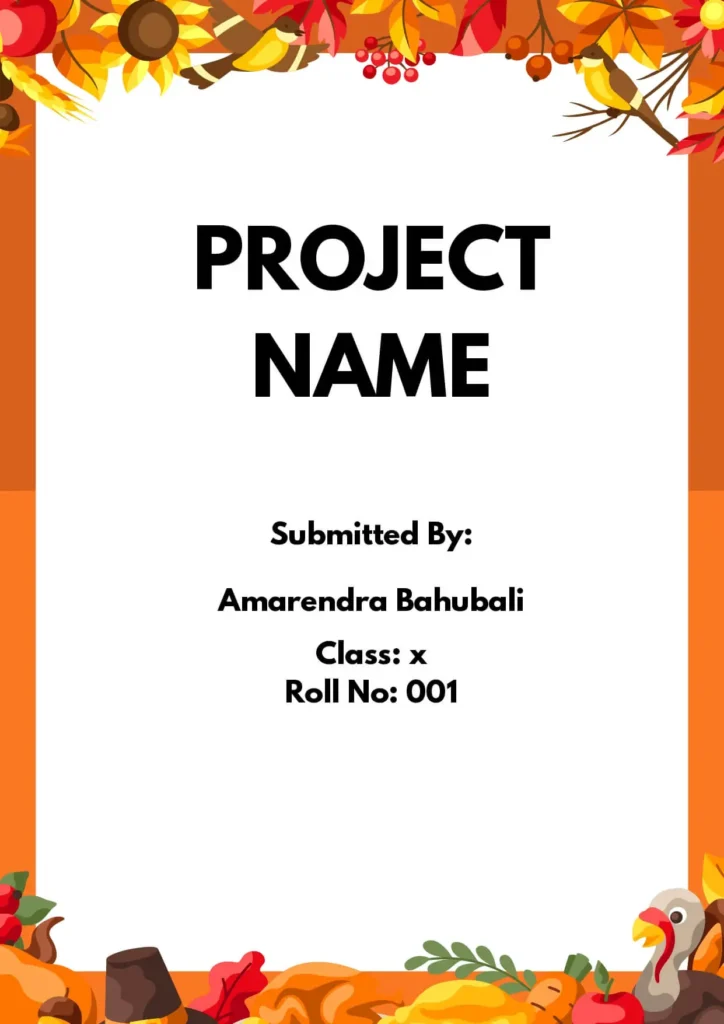
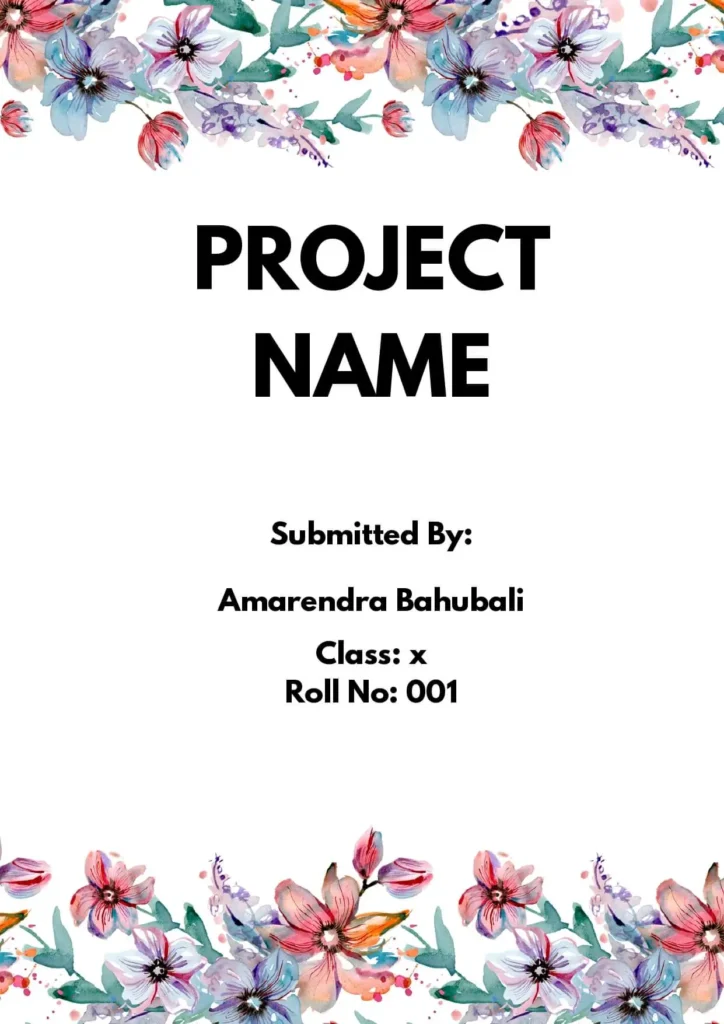
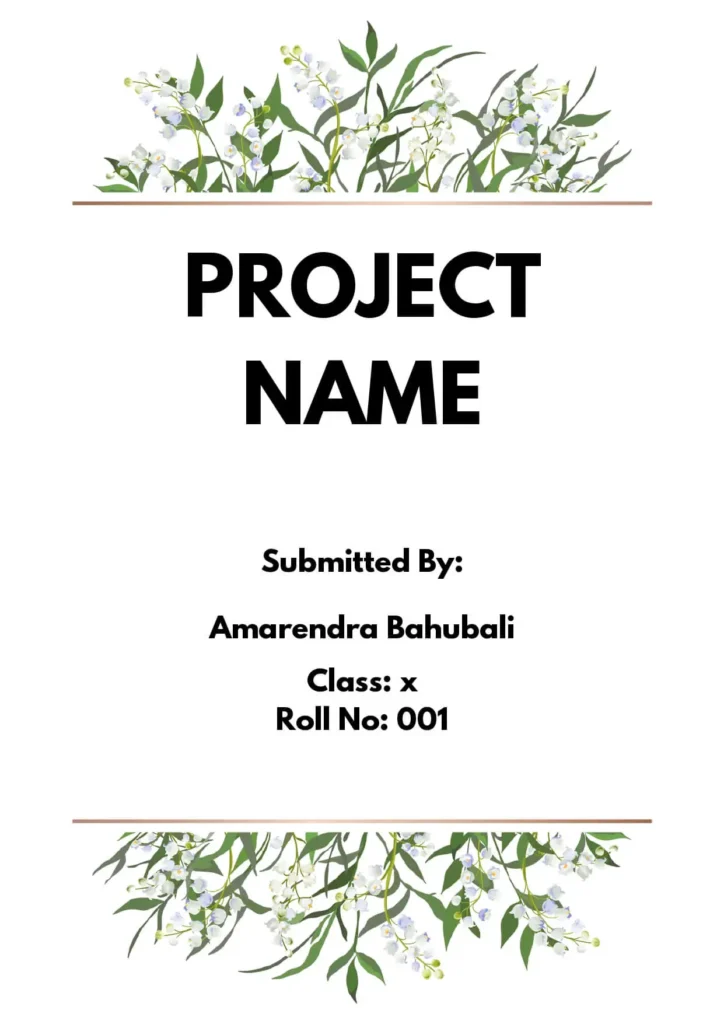
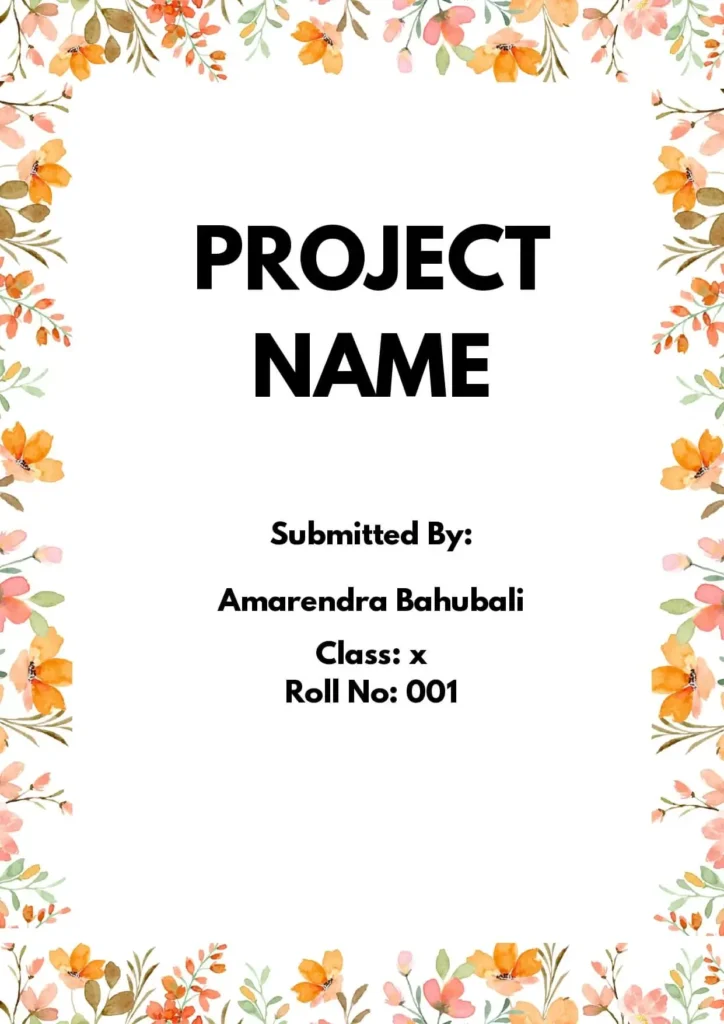
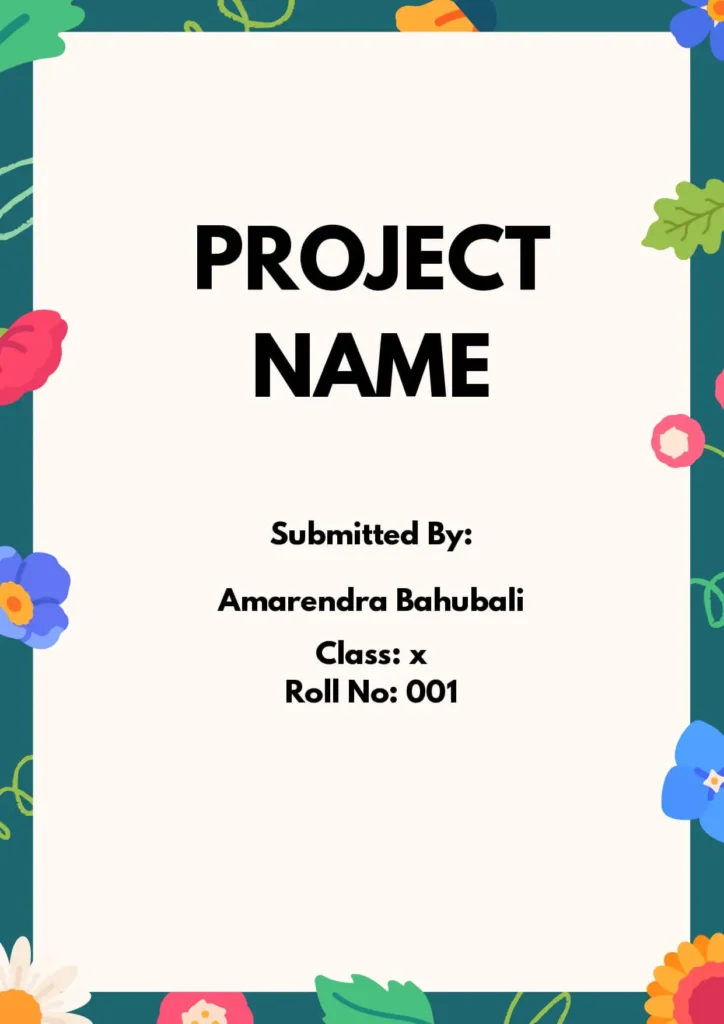
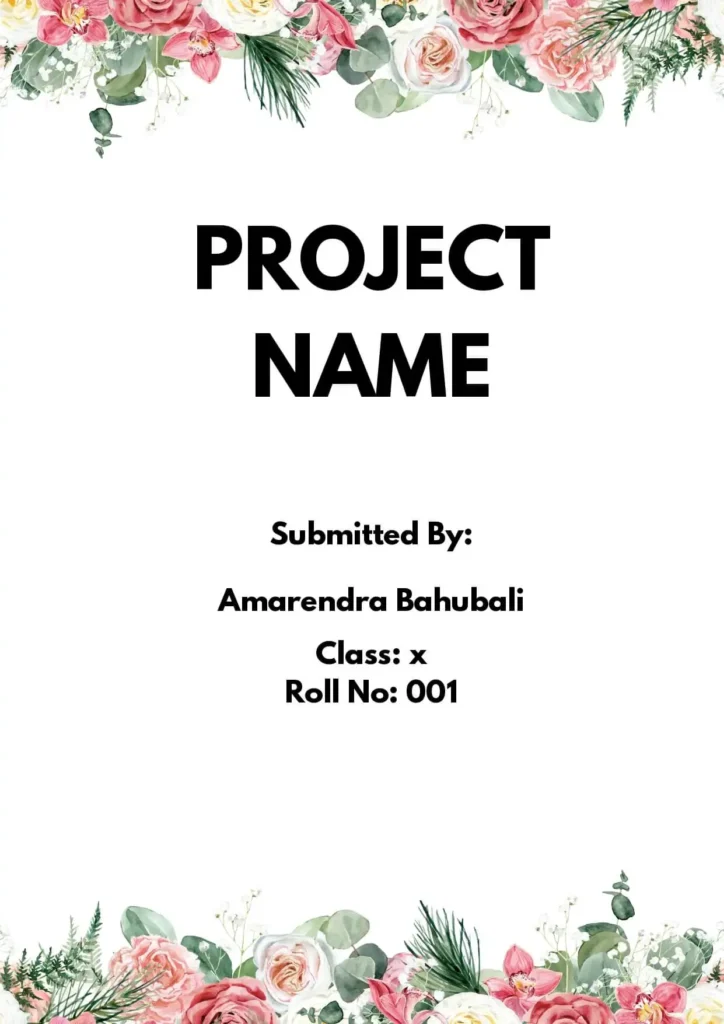
🌸 NOTE: Should You Use a Floral Front Page Design?
Using a floral front page design depends on your project topic and your teacher’s guidelines.
✅ If your project is about art, design, gardening, or nature, a floral design can be a good choice.
⚠️ But if the subject is technical or scientific, like Physics or Chemistry, it’s better to use a clean and simple design.
💡 Always think about the topic, the audience, and what message your cover page should give. Your design should match the content and look professional.
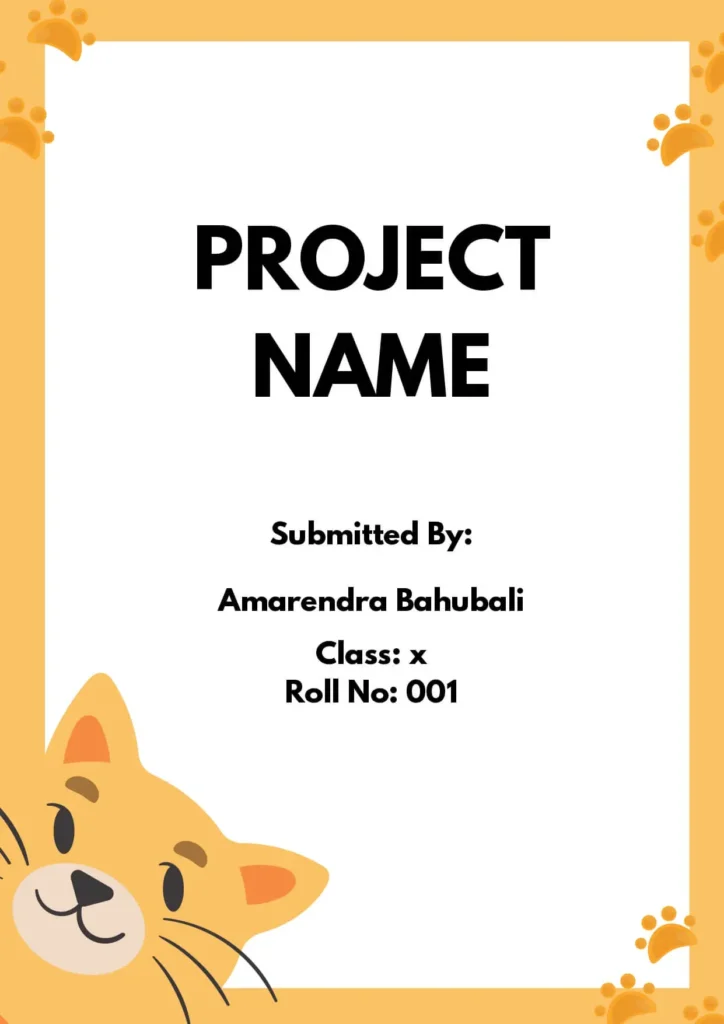
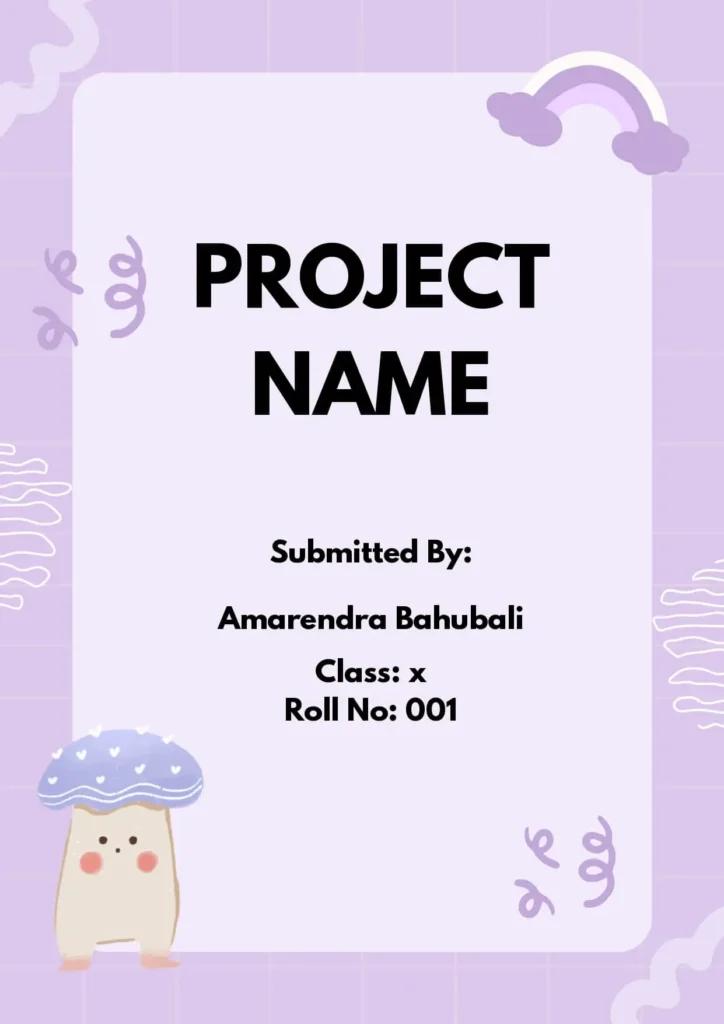
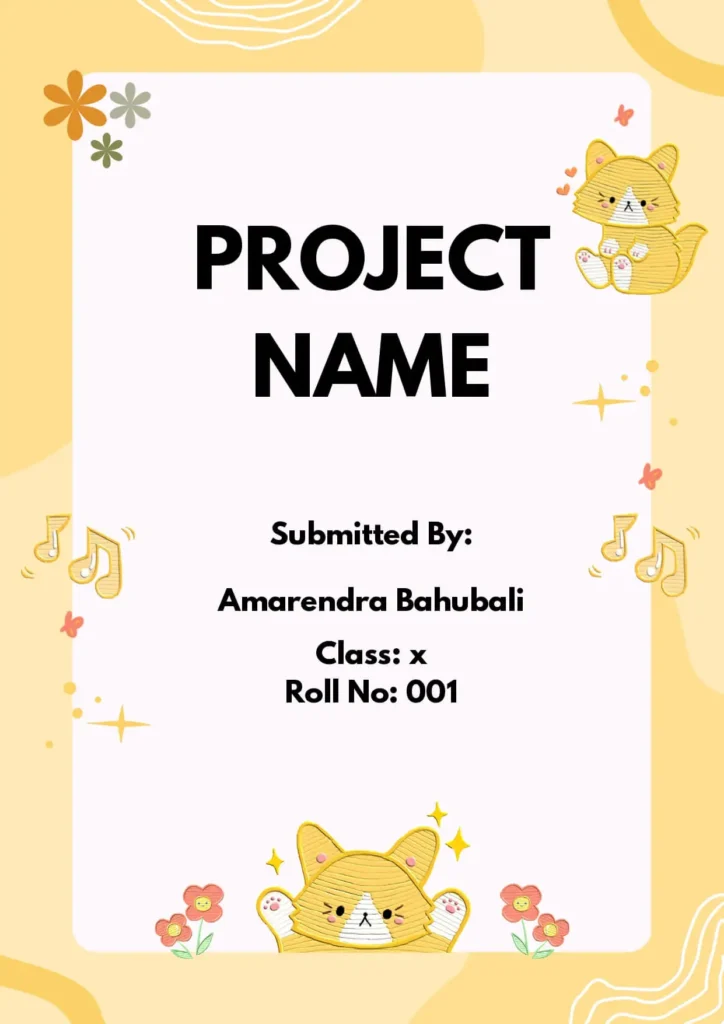
Cute Front Page Design For Project
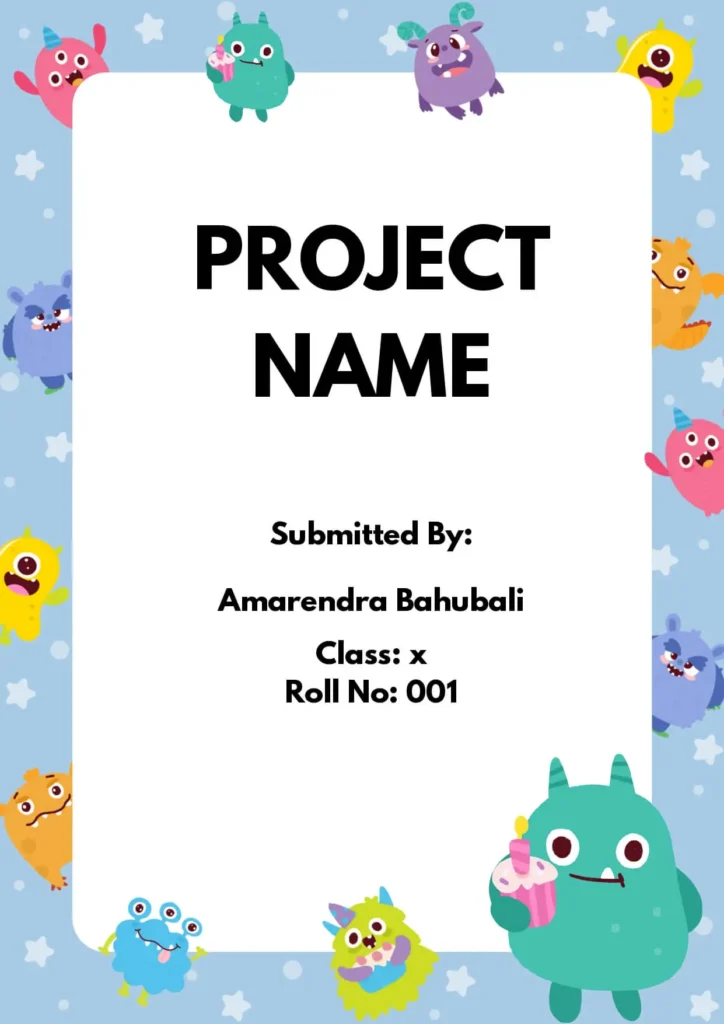
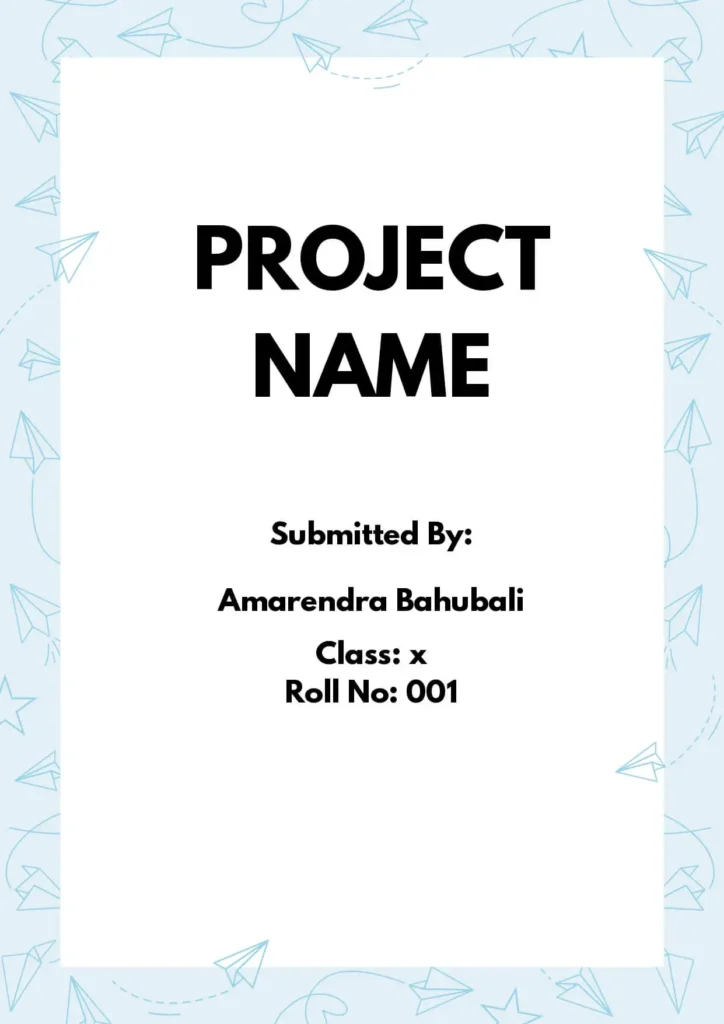
Simple Front Page Designs For Project
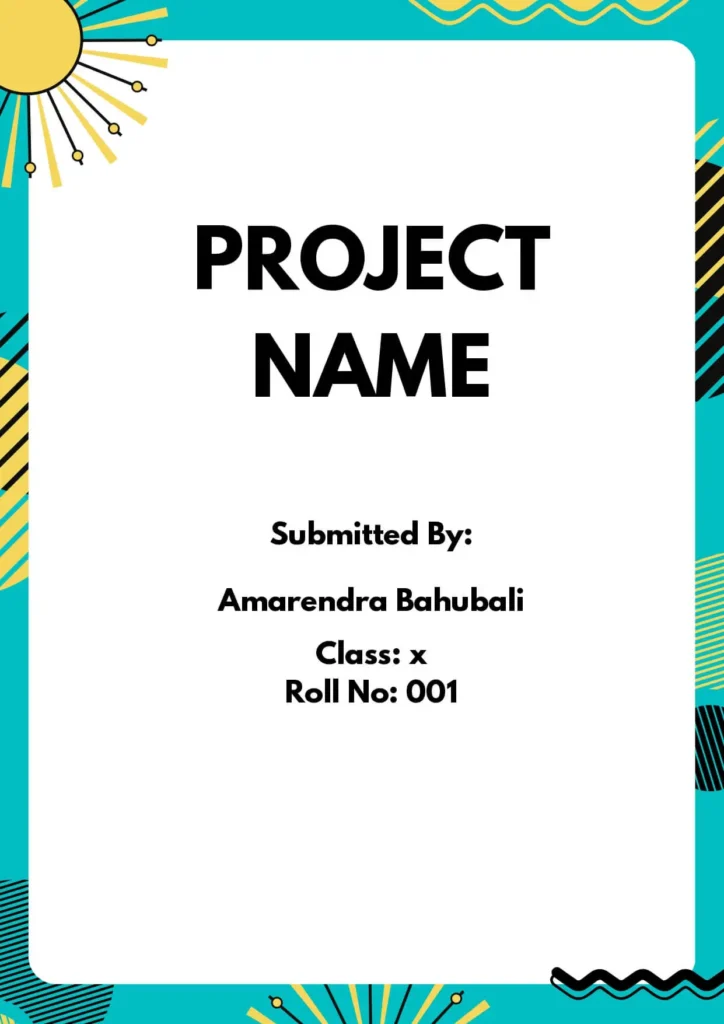
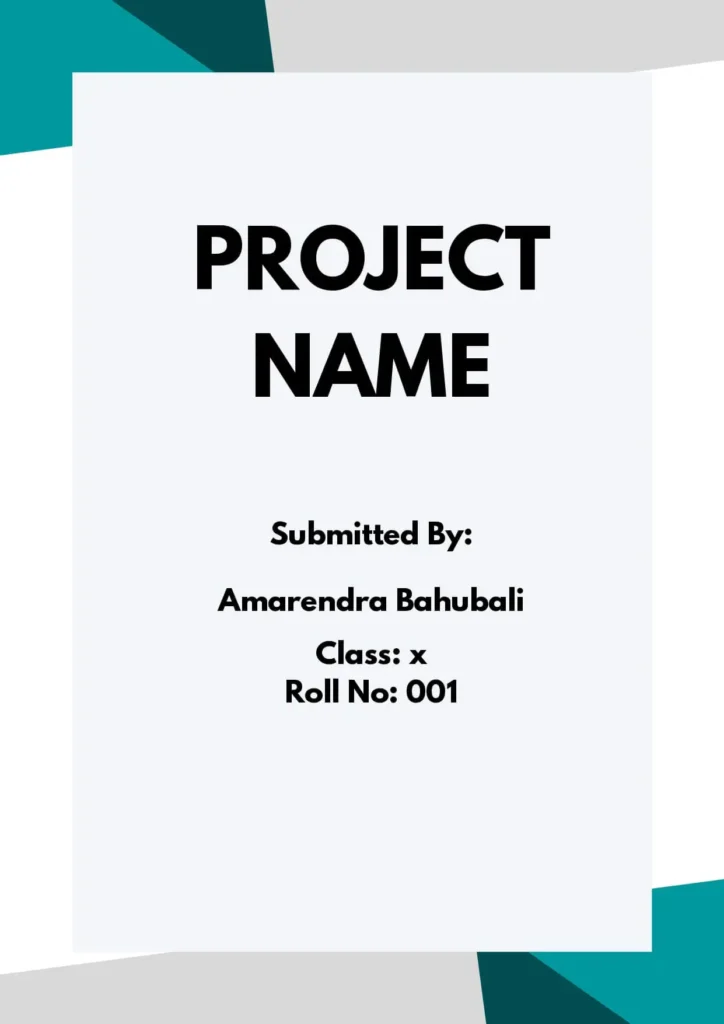
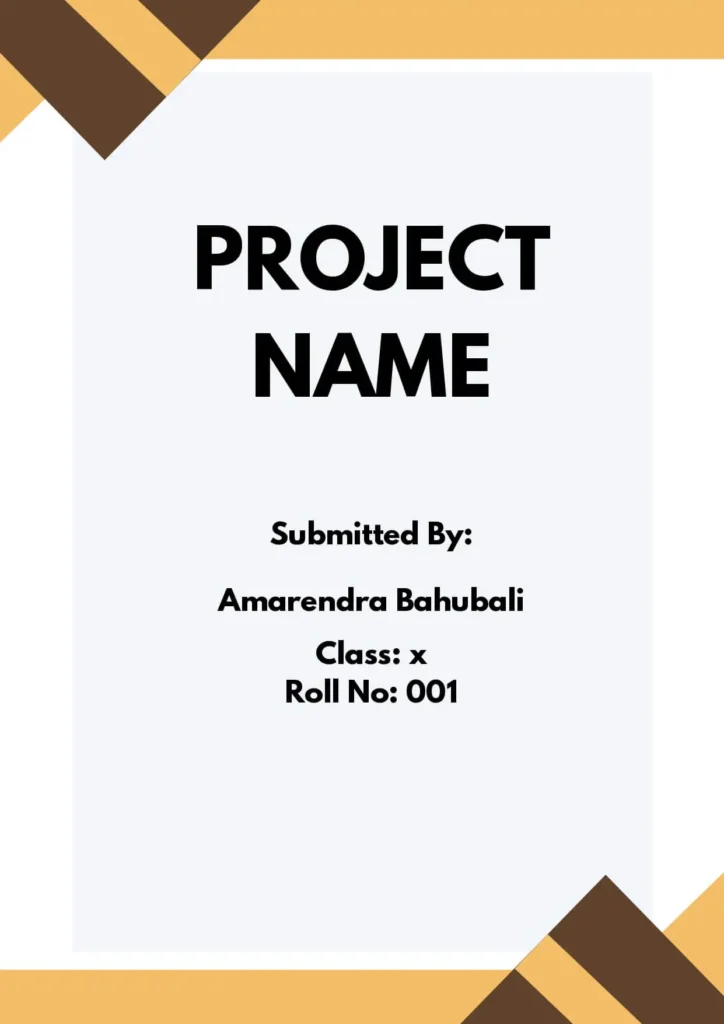
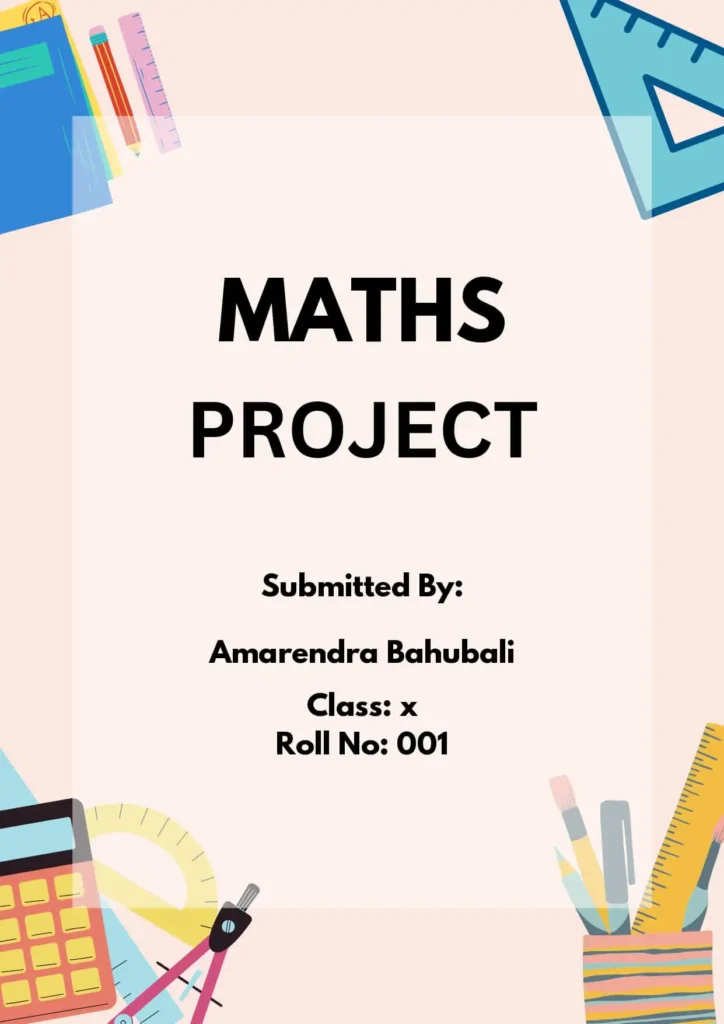
Front Page Designs For Math Project


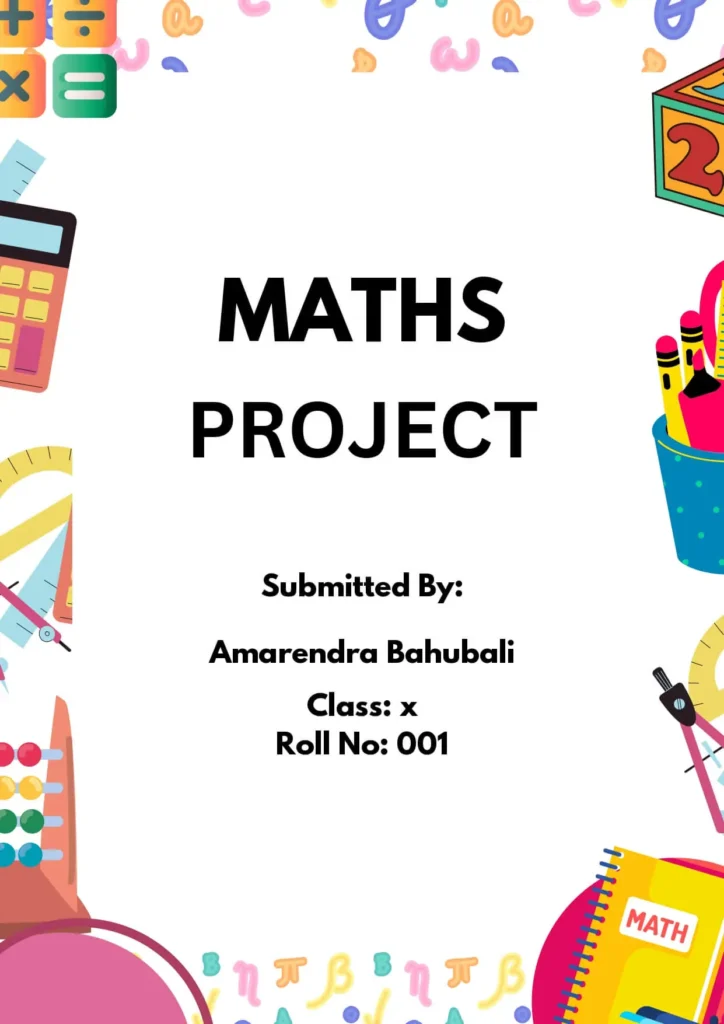
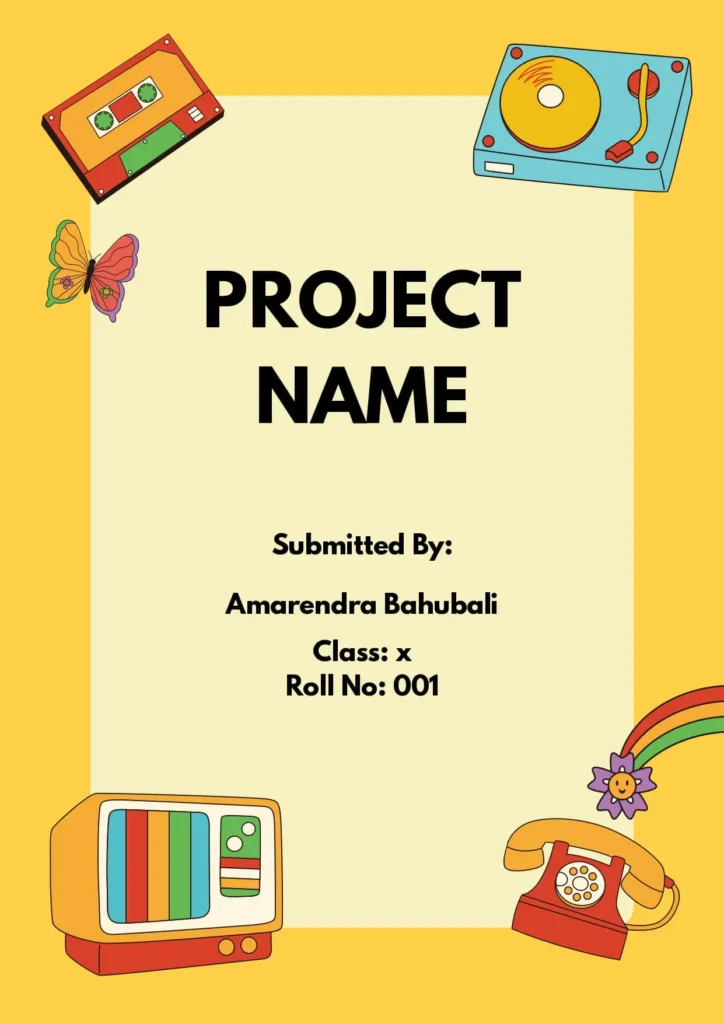
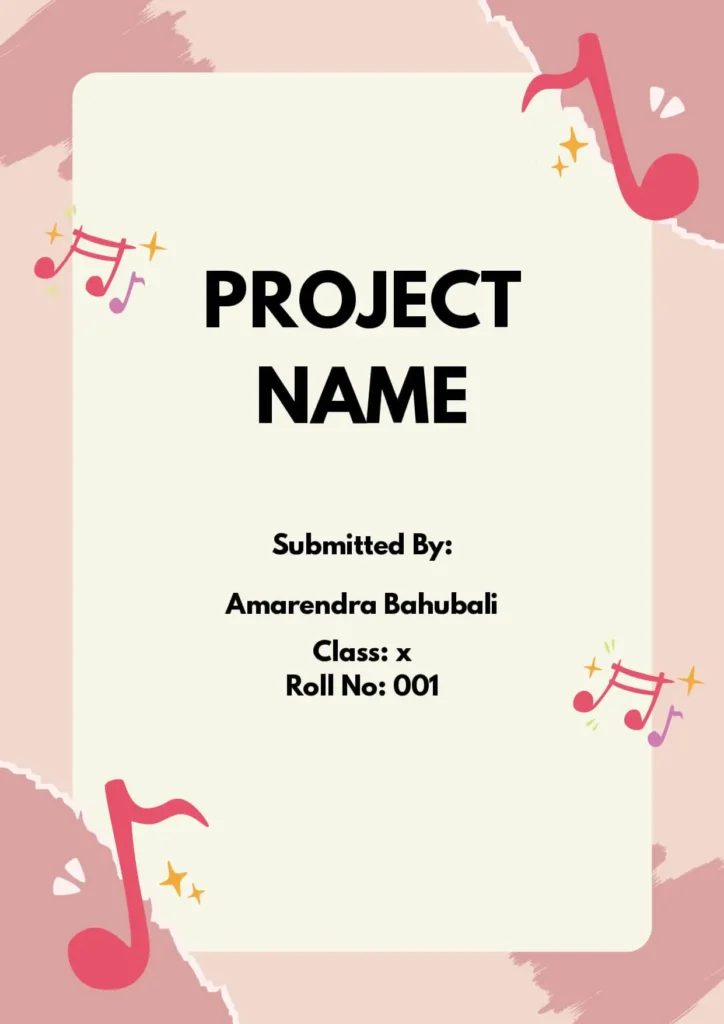
Front Page Designs For Music Project
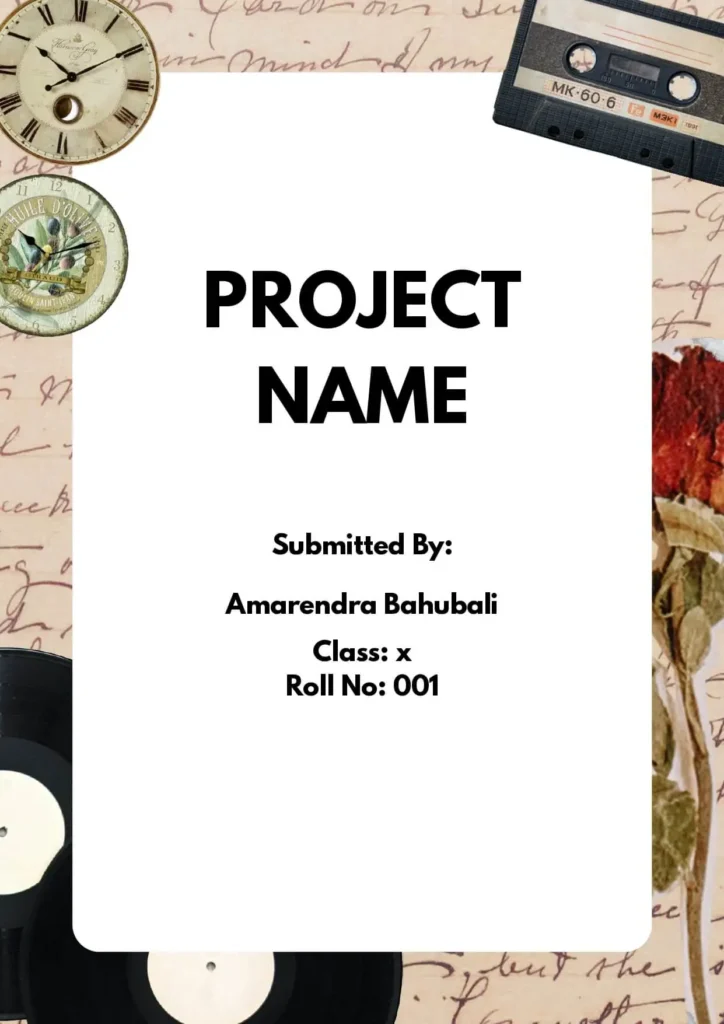
✍️ Handmade Front Page Design for Project
Tips to Make Your Handmade Cover Page More Appealing
A handmade front page adds a personal and creative touch to your project. It shows effort and can help your assignment stand out in a special way. Here are some easy tips to make it look amazing:
✅ Hand-drawn illustrations or graphics
Draw small pictures, diagrams, or symbols that match your project topic. It can be fun and meaningful!
✅ Handwritten typography
Write the title or headings in your best handwriting. You can use sketch pens, markers, or even try calligraphy for a fancy look.
✅ Create a collage
Use pieces of paper, fabric, photos, or magazine cutouts to build a creative background or theme on your front page.
✅ Use watercolor or paints
Add soft colors using watercolor to give your page an artistic feel. Choose shades that suit your project topic.
📌 Reminder: Handmade designs may take more time than digital ones, so start early and plan ahead!
With a little effort, you can make a handmade cover page that’s both beautiful and professional.
🧰 Best Tools for Creating a Beautiful Front Page Design (With Download Links)
What are the best tools to create a beautiful Front Page Design for a project ?
There are many helpful tools you can use to design an attractive and professional front page for your school or college project. Here are some of the most popular and easy-to-use ones:
| Tool Name | Description | Free / Paid | Access | Best For |
|---|---|---|---|---|
| MS Word | Popular word processor for adding text, images, borders, and shapes | Paid (with MS Office) | office.com | School/college front pages |
| Canva | Online tool with free templates and drag-and-drop editor | ✅ Free + Paid | canva.com | Quick, stylish cover pages |
| Microsoft Publisher | Basic desktop publishing software (part of MS Office) | Paid (with MS Office) | office.com | Simple page layouts |
| GIMP | Free software for editing and creating graphics | ✅ Free | gimp.org | Creative, image-based designs |
| Adobe InDesign | Professional tool for designing books, reports, and cover pages | Paid | adobe.com | Advanced publishing designs |
| Figma | Cloud-based design tool with real-time collaboration | ✅ Free + Paid | figma.com | Group projects, modern layouts |
| Sketch | Mac-only vector design tool used for clean UI/UX designs | Paid (Mac only) | sketch.com | Neat layouts (Mac users) |
| Affinity Designer | Affordable vector graphic design software | Paid (One-time) | affinity.serif.com | High-quality graphics & illustrations |
✅ Recommended Free Tools for Students:
- Canva – easiest for beginners
- GIMP – great for custom artwork
- Figma – best for collaboration and modern look
Absolutely! Here’s a student-friendly and step-by-step version of your guide titled:
🖥️ How to Create a Beautiful Front Page Design in MS Word
Creating a stylish front page in Microsoft Word is easy with the right steps. Here’s how you can do it:
✅ Step-by-Step Guide:
- Set Page Size and Orientation
Go to Layout > Page Setup and choose the page size (A4 is common) and set it to Portrait or Landscape as needed.
2. Choose a Theme or Color Scheme
Click on Design > Colors to select a color combination that matches your project topic.
3. Add Header or Footer
Go to Insert > Header or Footer to include your school name, logo, or page number.
4. Insert Title Using Text Box
Click Insert > Text Box and type your project title. Customize the font, size, and color to make it bold and clear.
5. Add a Background Image (Optional)
Go to Insert > Picture and add a light, relevant background image. Right-click it and set it behind text if needed.
6. Use Shapes and Lines for Decoration
Go to Insert > Shapes to add borders, lines, or banners that make the design attractive.
7. Align and Arrange Elements
Select your objects and use Home > Align to center or space them neatly on the page.
8. Style Your Text
Use Home > Styles to apply bold, italic, or heading styles. This makes the design clean and professional.
9. Preview the Design
Click on View > Print Layout to check how your front page will look when printed or shared.
10. Save as a Template
Once done, save your design to reuse it. Go to File > Save As > Word Template (.dotx).
📝 Tip: Use readable fonts like Calibri, Arial, or Times New Roman, and keep the design neat — don’t overload with colors or images.
📝 Conclusion
A neat and attractive front page design is very important for any school project, assignment, or science project. It shows the effort and care put into the work and can make a positive impact on your grades or evaluation.
A well-designed front page:
- Clearly shows the topic and purpose of the project
- Helps teachers understand and appreciate your work
- Makes your project stand out from others
- Shows creativity and good presentation skills
In science projects, a clear front page can also highlight the importance of your research.
✨ Overall, a good front page adds value to your project and helps make a strong first impression.
FaQs
Q1: What is the downloaded file format?
📁 The file is in .doc format, which means it’s a Microsoft Word file.
Q2: How do I edit the downloaded template?
🖥️ Just open the file in MS Word and make changes like adding your name, project title, class, or images as needed.
Q3: What is the size of the template?
📄 The template is in A4 size, which is the standard paper size for school and college projects.
Q4: Can I use these templates for any subject?
✅ Yes! You can use the templates for any school subject like Science, English, Math, Social Science, or even Art. Just edit the title and images to match your topic.
Q5: Do I need an internet connection to use the template?
📶 No. Once downloaded, you can use and edit the template offline in MS Word.
Q6: Can I print the front page after editing it?
🖨️ Yes, the templates are print-ready. Just make sure your printer settings are set to A4 size.
Q7: Can I add my school logo or image?
🖼️ Yes, you can easily insert your school logo or any image using the Insert > Picture option in MS Word.
Q8: Will the template work on mobile or tablet?
📱 You can use the template on mobile or tablet if you have the MS Word app installed. However, editing is easier on a computer.